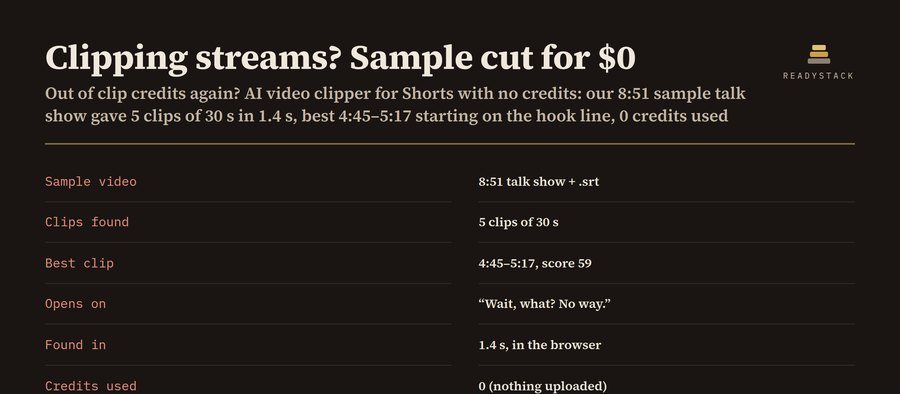
Pick a long video from your computer: a stream, a podcast or an interview. The clip finder scores every half second of its audio for speech, loud reactions, dead air and a talking first second. If you add a transcript, it also scores hook lines. You get the best Shorts, TikToks or Reels ranked with start time, end time and the reasons behind each pick. Then export each one as a 9:16 clip with burned-in captions. The video never leaves your computer, so there are no credits, no upload limit and no account.
How it works: there is no cloud AI model. The scoring is plain code that runs in this tab, so the same video always gets the same clips and you can see why each one was picked. Works best in Chrome or Edge on a desktop.
1. Your video
2. Your clips
Pick a video (or paste a transcript) and press Find clips. Your ranked clips appear here.
Pro adds 5 things for clippers who post every day: export every clip in one click, a library that keeps every video's clip list, a posting log of views and your per-1,000-view rate for each clip, CSV of clips and posts, and a JSON backup. Pro: $69 per year $9.99 per month
3. Preview and export (9:16)
Export records the clip in real time (a 30 s clip takes about 30 s). Keep this tab in front while it runs. The file is MP4 where your browser can record MP4 (recent Chrome, Edge and Safari), otherwise WebM, which YouTube and TikTok both accept.
Already bought Pro?
Paste your licence key:
Pro
Library
Posting log
The log only adds up the numbers you type in. It does not promise any views or payouts.
Frequently asked questions
Can I use this for “video clipper”?
AI video clipper alternative for Shorts with no credits: pick a long video, get the best 15–90 second moments ranked with reasons, then export 9:16 clips with burned-in captions.
Can I use this for “clip ai”?
Then export each one as a 9:16 clip with burned-in captions .
Can I use this for “ai clips”?
The scoring is plain code that runs in this tab, so the same video always gets the same clips and you can see why each one was picked.
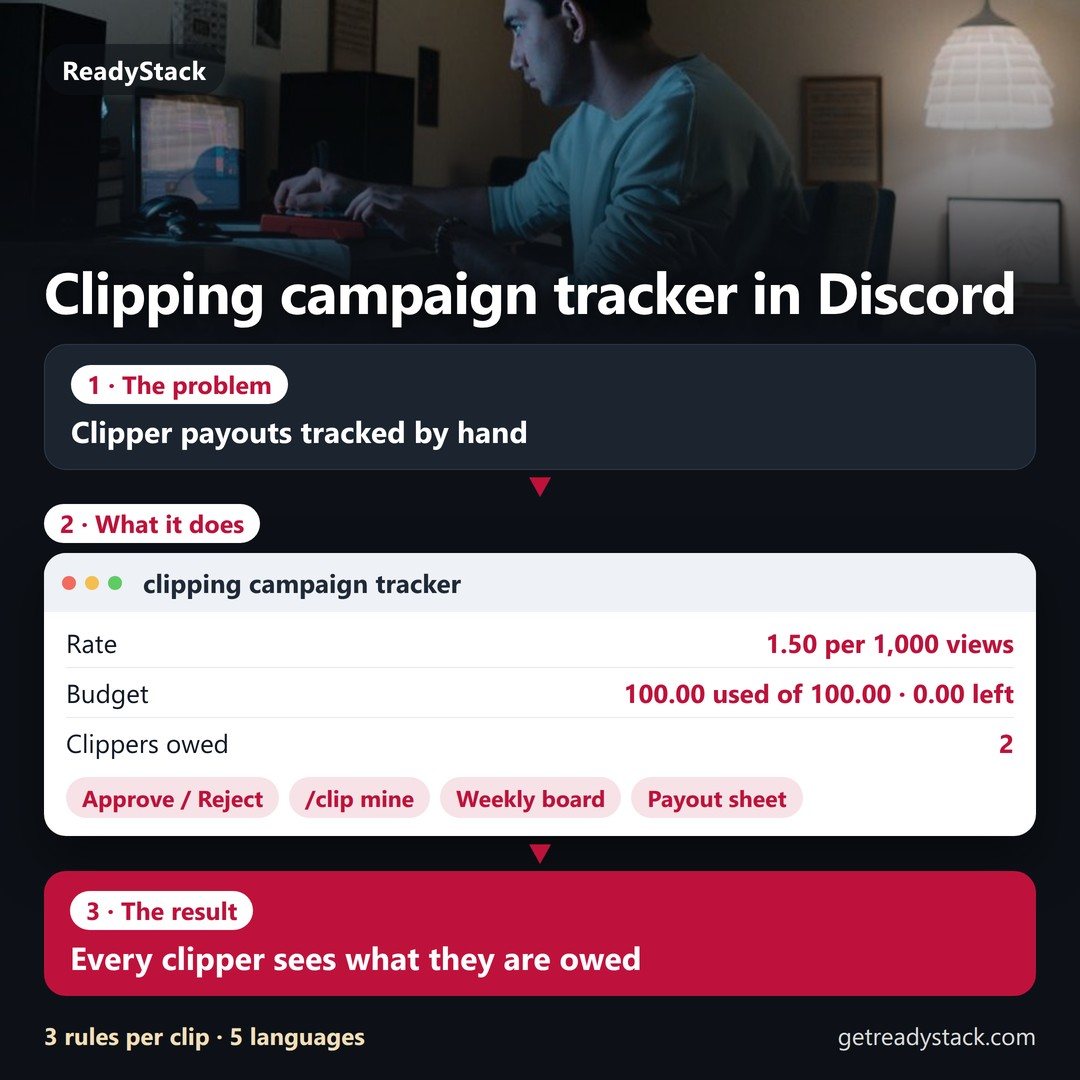 clipping campaign tracker for Discord | clips, views, caps, payouts owed
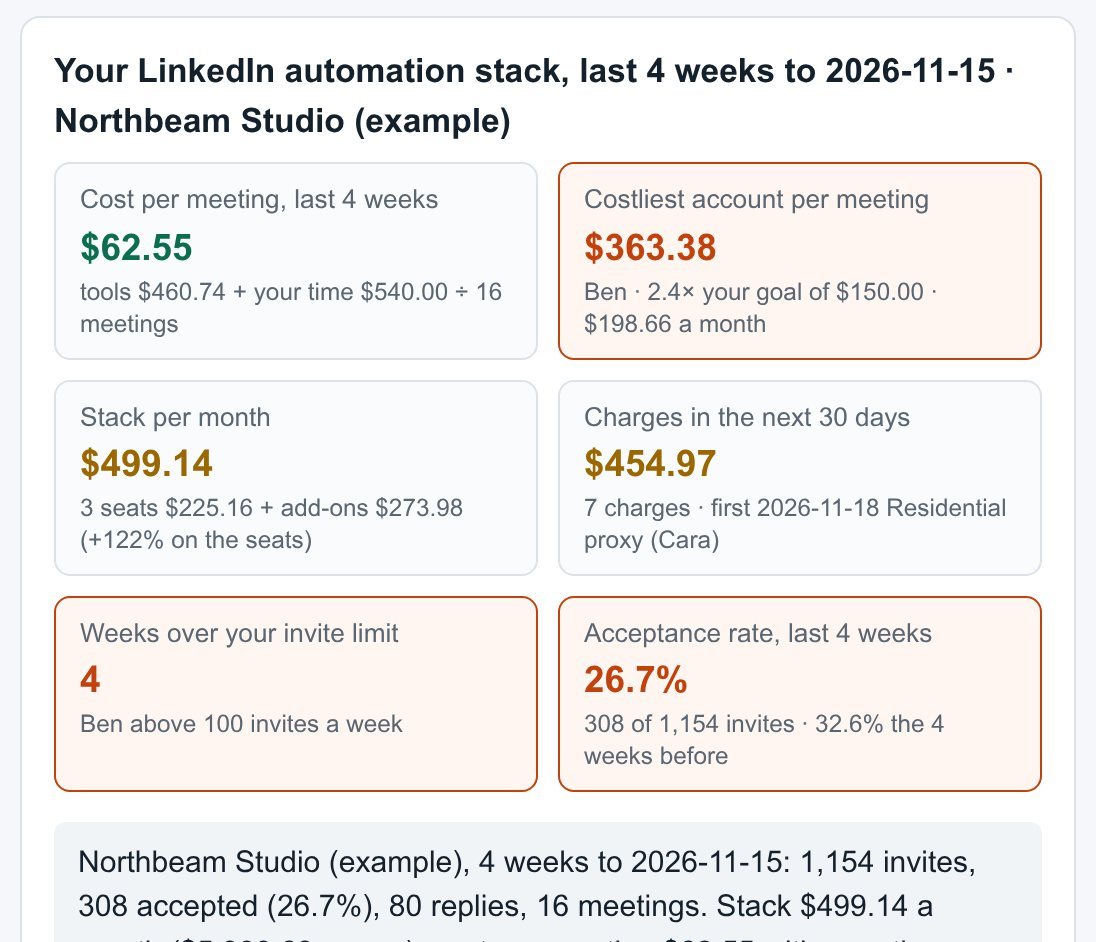 LinkedIn automation tool cost tracker | cost per meeting per account, add-ons, renewal dates
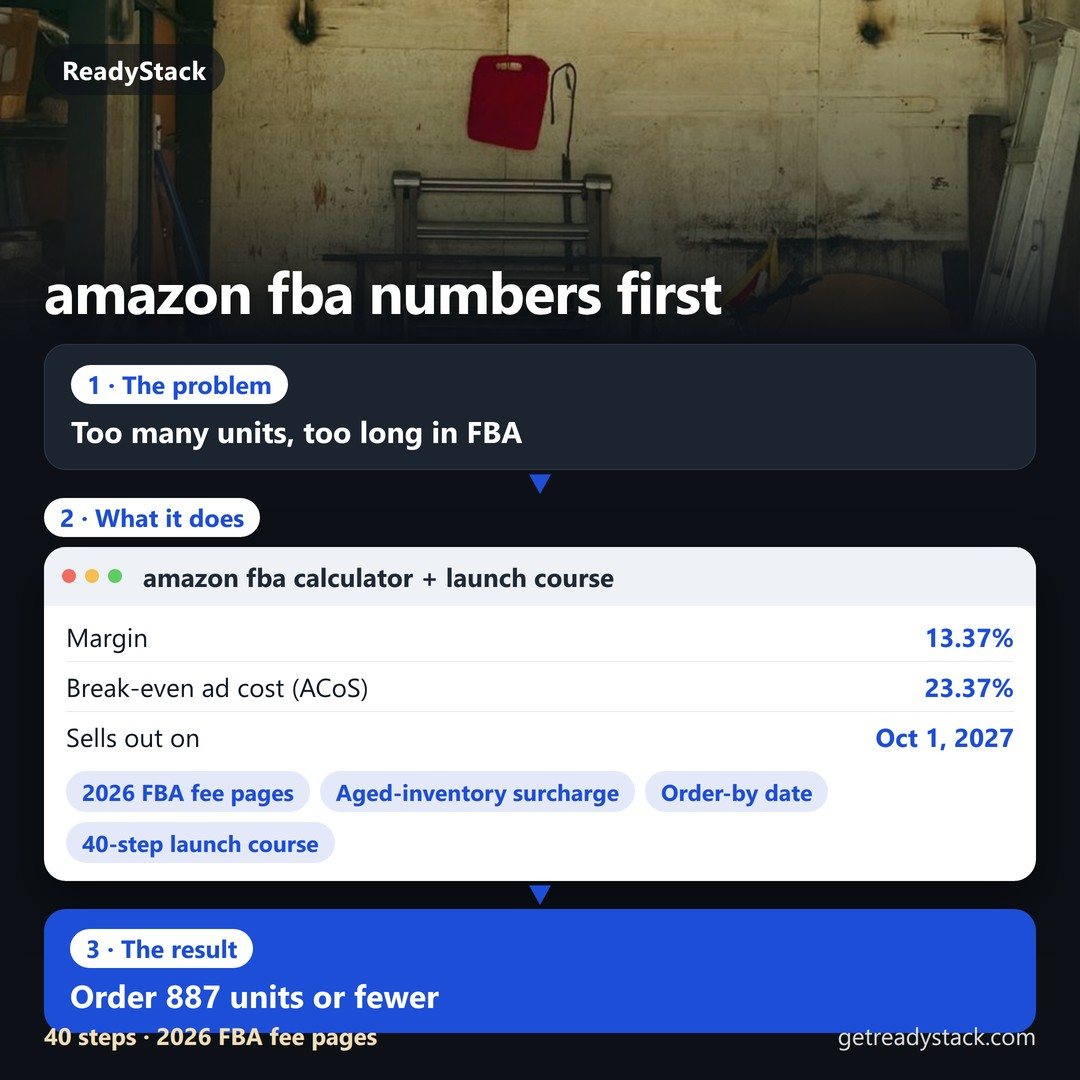 amazon fba calculator + launch course 2026: your product's fees, cash and reorder date
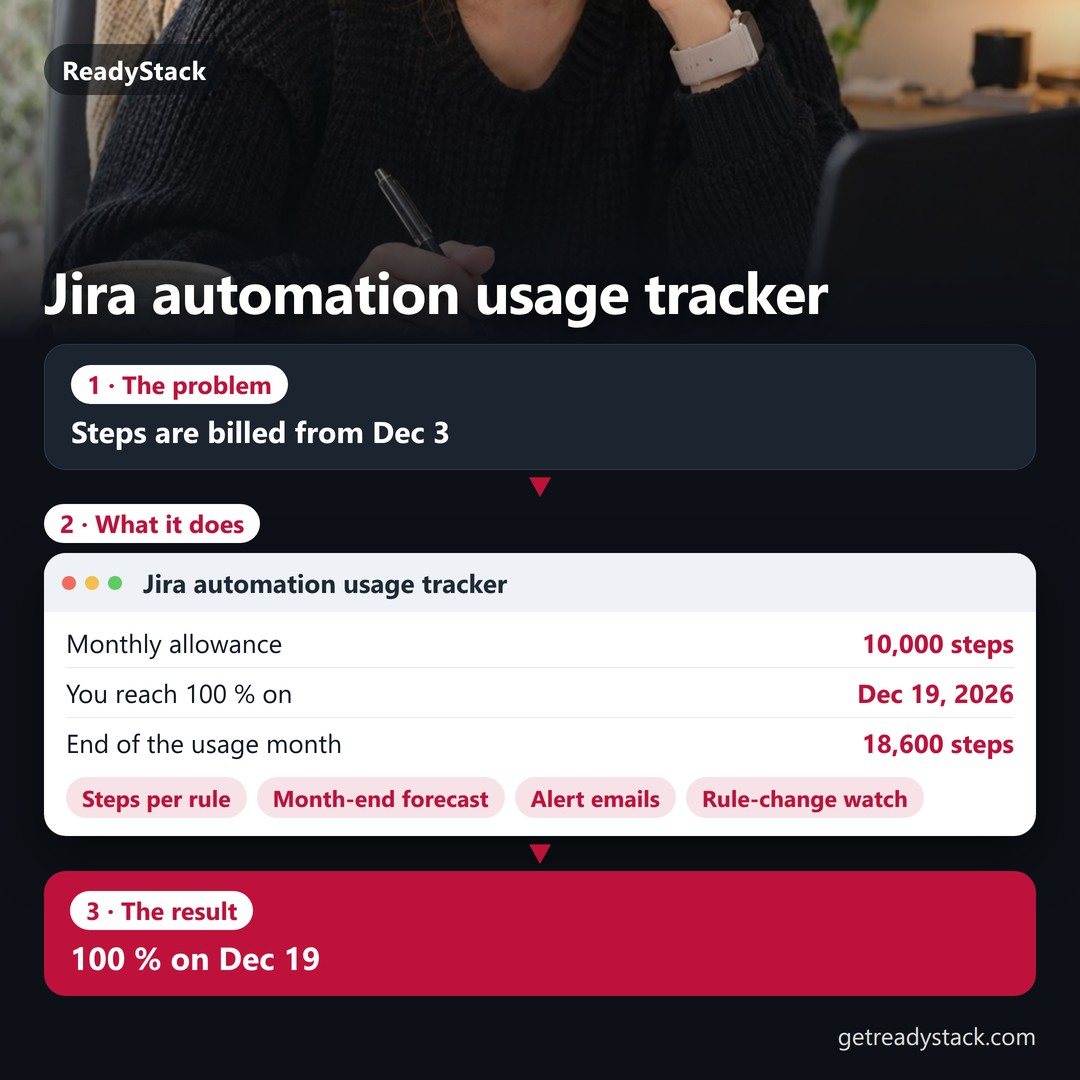 Jira automation usage tracker — daily step meter, month-end forecast, alert email before overage
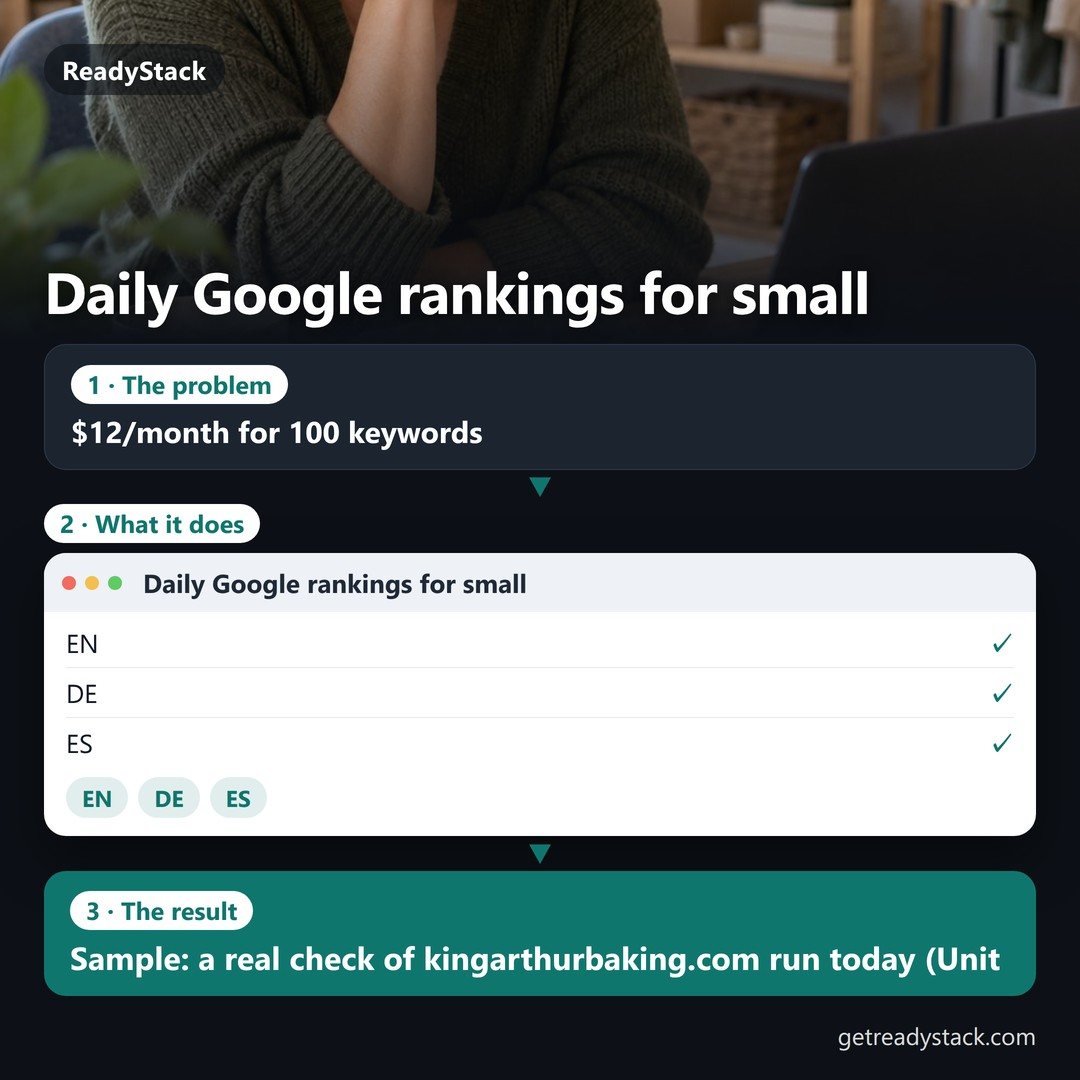 Daily Google rankings for small sites — $12/month for 100 keywords
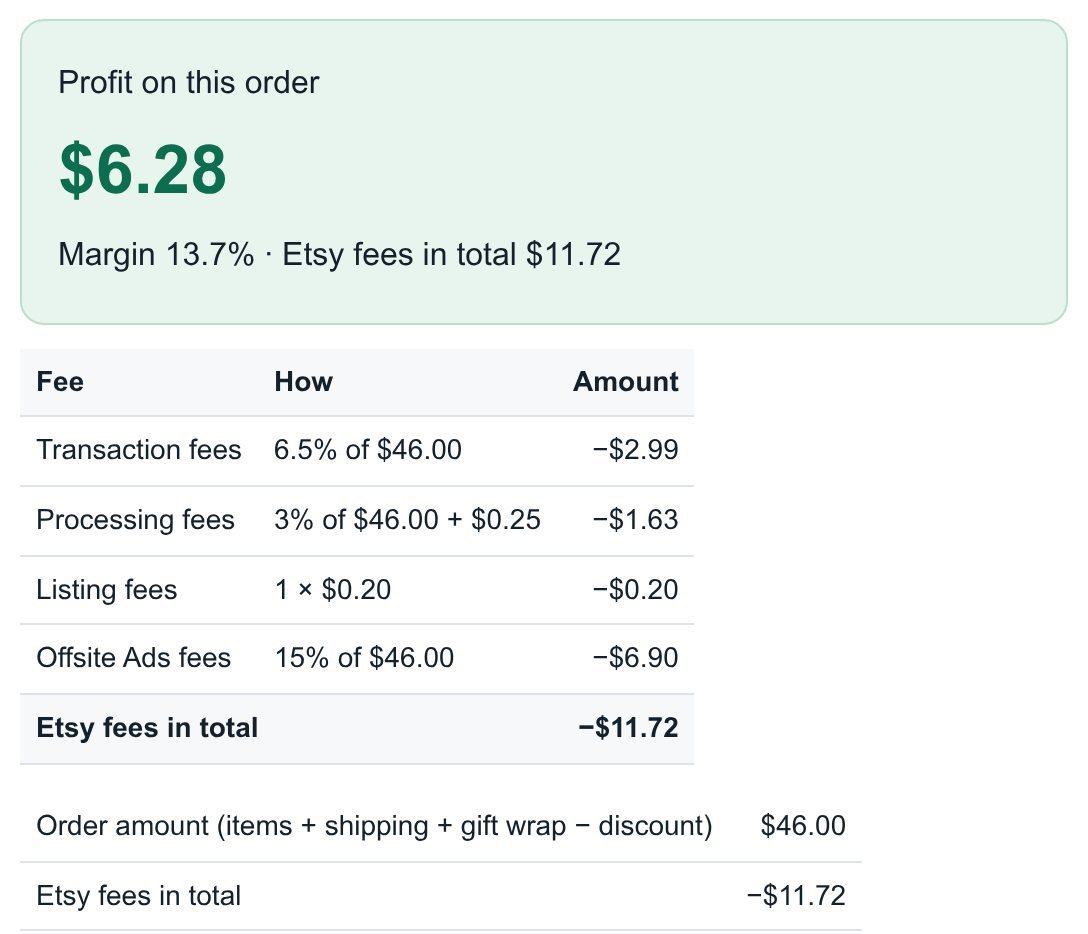 Etsy Profit Calculator: real profit per order from your Etsy CSV (2026 fees)