Still free without Premium: typing, inserting into Docs and Slides with alt text, copying, downloads, history and formulas — plus 3 Premium actions a day.
If you cancel, your class sets and history stay on this device and still insert.
Licence key
Paste the key from your Whop receipt. Only the key is sent, to check it.
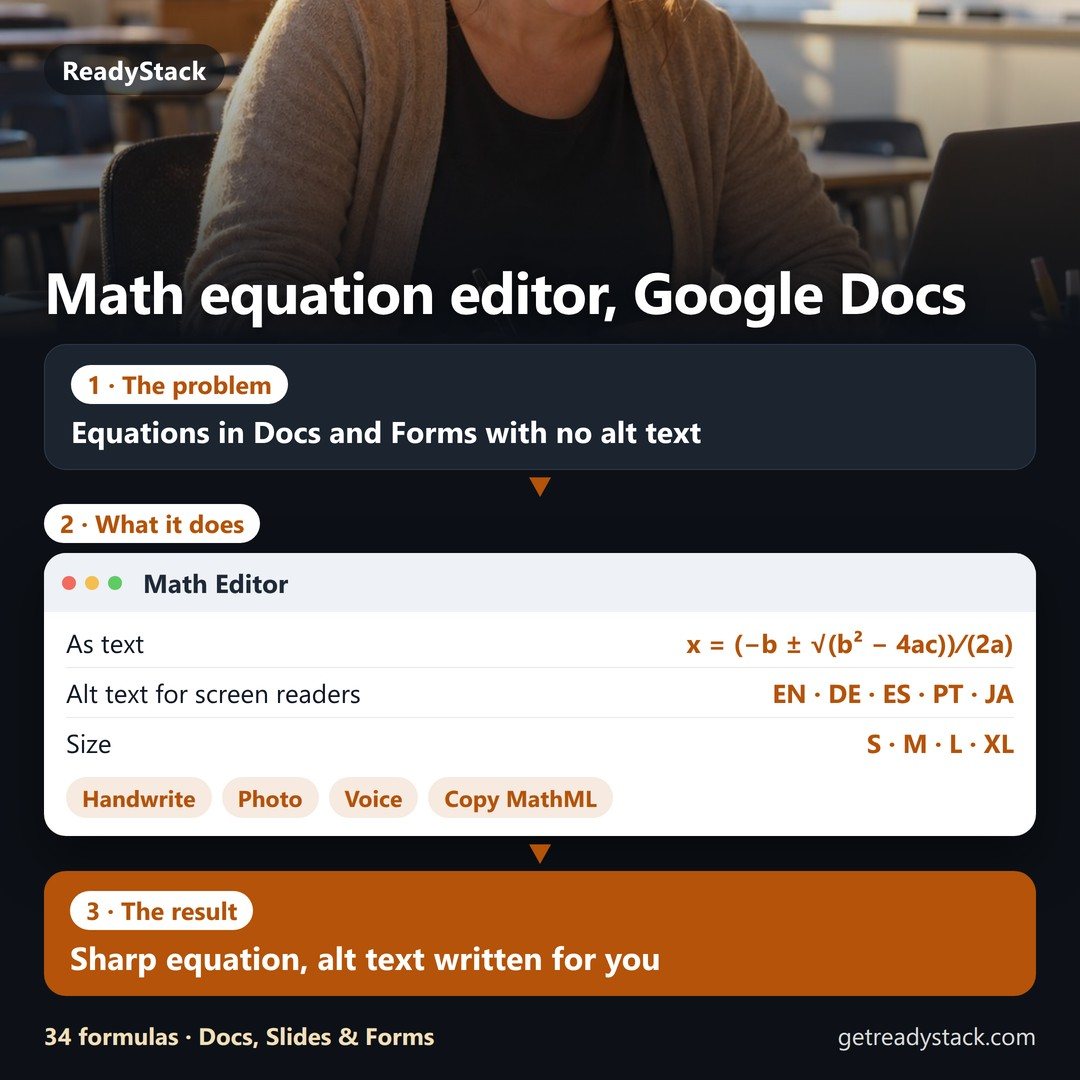
Type, handwrite or say an equation and insert it at your cursor in Google Docs or Slides: a sharp image with alt text for screen readers, written for you in English, German, Spanish, Portuguese or Japanese. No sign-in.
Math in Google Forms as real text — question titles, answer choices and student answers (x² + ¾x − 1 = 0). Screen readers read it, nothing to upload.
Built for every week's quiz: keep equations in class sets and reuse them; handwriting, photo and voice reading (300 a month) renews every month.
Free, no account: the editor, inserting into Docs and Slides with alt text, copy as image, LaTeX or MathML, 34 ready formulas — plus 3 Premium actions a day.
As a browser extension for Microsoft Edge and Firefox it sits in a side panel next to your document and inserts at the cursor in one click.
Questions
Does the alt text stay in Google Docs?
Yes. Docs stores it as the image's alt text (Format › Alt text), and it is still there when the document is downloaded as Word (.docx). We checked both on a real document.
What is free?
The editor (keyboard shortcuts, LaTeX, 19 symbol buttons), inserting into Google Docs and Slides with alt text in 5 languages, copying as image, LaTeX or MathML, PNG and SVG downloads, any size and colour, the last 20 equations and 34 ready formulas. No account, no watermark, no limit.
Why a monthly plan?
Teachers make warm-ups, quizzes and worksheets every week. Premium keeps your equations in class sets you reuse, puts math into Google Forms as text, and reads handwriting, photos and speech on our server (300 reads a month, renewed each month). If you cancel, your sets and history stay on your device and still insert; Forms text and reading stop.
Why text in Google Forms instead of an image?
Forms only takes images through its image button, one per question or choice, and screen readers cannot read them. Text like x² + ¾x − 1 = 0 goes straight into question titles, answer choices and short answers, and it is readable, searchable and exported to Sheets as it is.
What is sent to your server?
Only a drawing, photo or recording you choose to turn into math, when you press the button. It is read and not stored. Typing, rendering, alt text and inserting happen on your computer.
Email me this result
A copy of what you see above, in your inbox — the tool stays free, nothing here is locked.
Type, handwrite or say math and put it into Google Docs and Slides as a sharp image with alt text in 5 languages, or into Google Forms as text.
Is it free?
Yes. The free version on this page works without an account. The full version costs $4.99 / month.
How do I use it?
1. Enter your details in the free version below. 2. See your result right away on this page. 3. Need more? The full version adds what is listed under "What you get".
Ask about this tool
One question, answered by the person who built it. Your email only if you want the answer sent.
For a team or company: for an invoice with your company details, a quote or several licences, write to [email protected].
 Math Editor
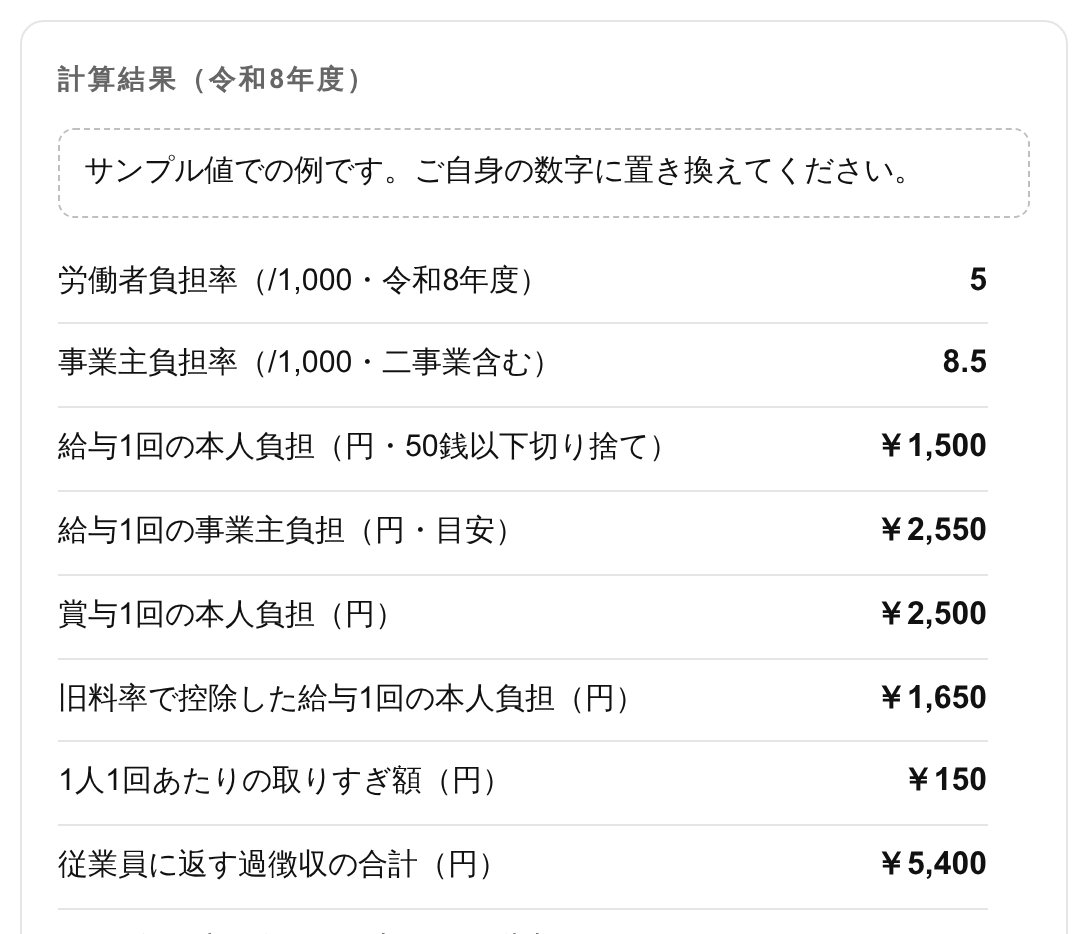 税金・手取り計算 2026(令和8年)
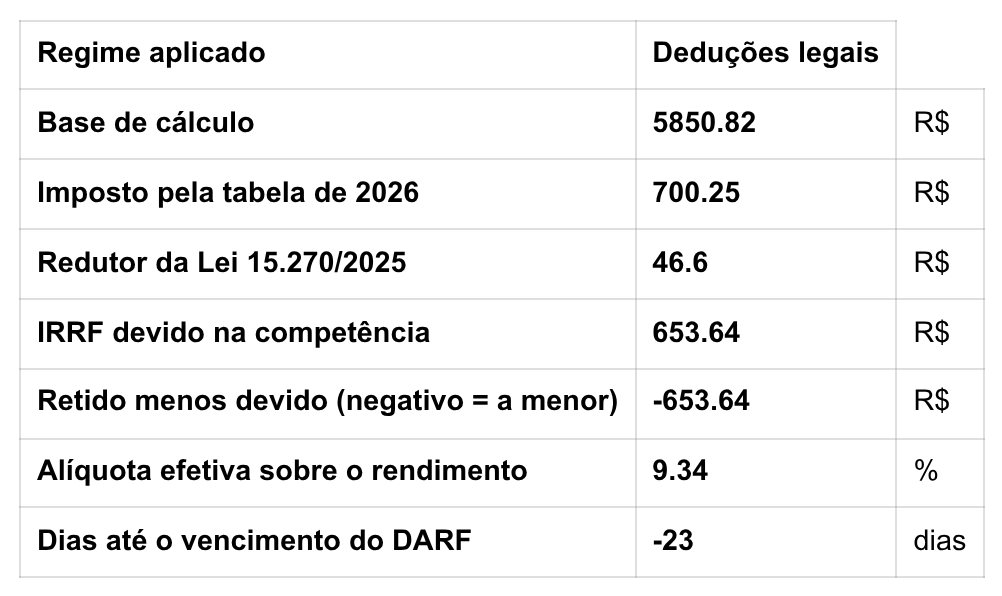 Calculadora CLT e MEI 2026
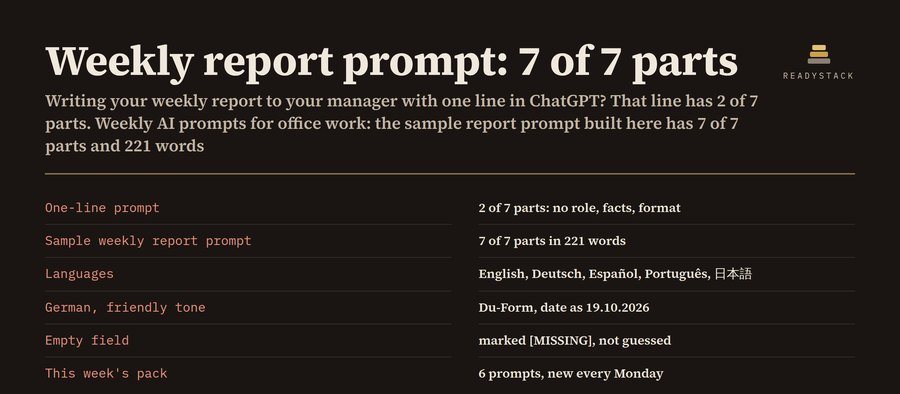 Weekly AI Prompts for Office Work in 5 Languages
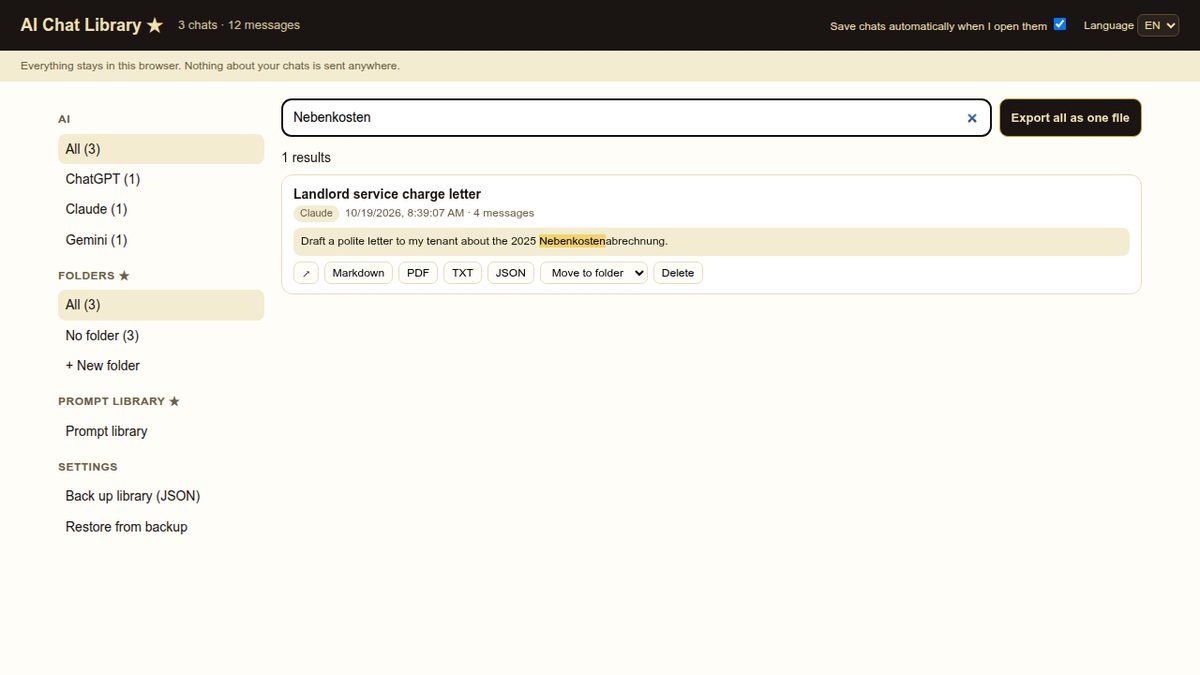 Every ChatGPT, Claude and Gemini chat — saved on your computer, searchable in one place.
 Creator Toolkit for Discord