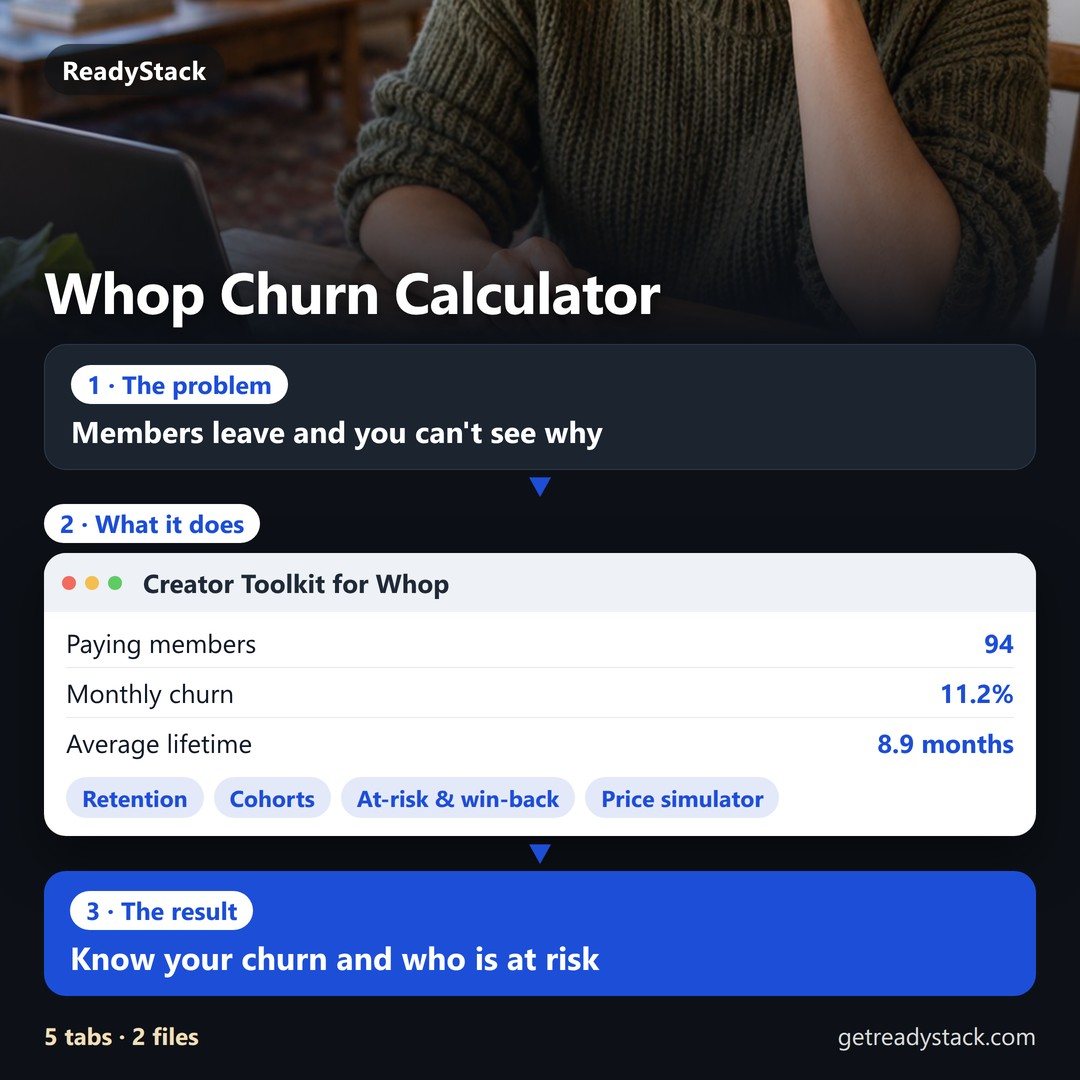
What it does, with your own numbers
Example from the sample data: 190 members over 14 months on a $49 and a $19 plan. The toolkit finds the paying members, the monthly churn of the last three full months, the members whose card failed, the ones set to cancel, and the ones who left in the last 60 days — ranked by dollars per month, each with a message in that member's language (English, German, Spanish, Portuguese or Japanese, picked from the customer country and changeable per row).
Free
The fee and payout calculator: price, card mix, Whop add-ons, disputes and payout method in, then the fees per sale, what lands in your bank each month, your total take, the price you need to keep a target amount, and a yearly plan against twelve monthly payments. Fee schedule from docs.whop.com/fees, read on 2026-10-21: 2.7% + $0.30 per domestic card payment, +1.5% international, +1% currency conversion, $15 per dispute, next-day ACH payout $2.50. Load your exports and the headline numbers are free too: paying members, MRR, monthly churn and revenue at risk.
Pro — $19 per month or $149 per year, one community
- Retention: 12 months of members at start, left, joined and churn rate; cohort grid by join month; ARPU, average lifetime and lifetime value; Whop cancel reasons counted.
- At-risk & win-back: payment failed, card declined, set to cancel, left recently — sorted by dollars, a ready message per member in 5 languages with your link, your news line and your own promo code if you made one, CSV download.
- Revenue health: gross, tax, money returned to buyers, disputes, fees and net; failed payment rate and the top decline reasons; net by product, gross by card country, month by month.
- Price & plan simulator: change the price, expect some extra churn, add a yearly plan — 12-month revenue side by side and the churn level where the change stops paying.
Get Pro — $19/month Get Pro — $149/year
How to get the two files
- Members: Whop dashboard → Users → Export. The file has columns like Subscription status, Joined at, Churned date, Cancelation reason, MRR (in USD), Customer country.
- Payments: Whop dashboard → Payments → Export. Columns like Status, Sub status, Payment Amount, Fee, Failure reason, Card issue country.
Questions
- Does it need access to my Whop account?
- No. It asks for no Whop permissions and never sees your login. You download the CSV files from your own dashboard and the page reads them in your browser. Nothing is uploaded and nothing is stored after you close the tab.
- How is churn counted?
- For each month: members who were paying on the 1st and whose membership ended before the next 1st, divided by members paying on the 1st. The headline uses the last three full months together, so one quiet month does not swing it. Trials are not counted as paying.
- Which languages do the win-back messages use?
- German for DE, AT and CH; Spanish for Spain and Latin America; Portuguese for Brazil and Portugal; Japanese for Japan; English for everyone else. You can switch any row.
- Is this from Whop?
- No. ReadyStack makes it. It reads the export format Whop uses today.

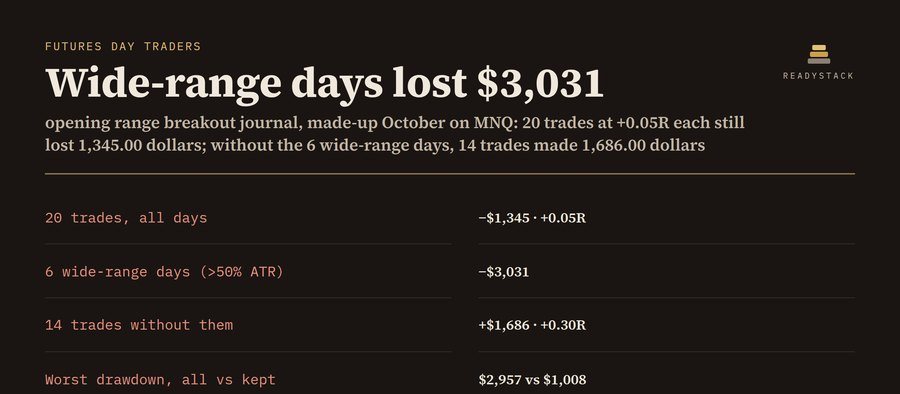 opening range breakout journal | ES, NQ, MES, MNQ: net R after fees, range width vs ATR
 LinkedIn outreach tools — a prospect queue with AI notes, follow-up dates and reminders. You click send.
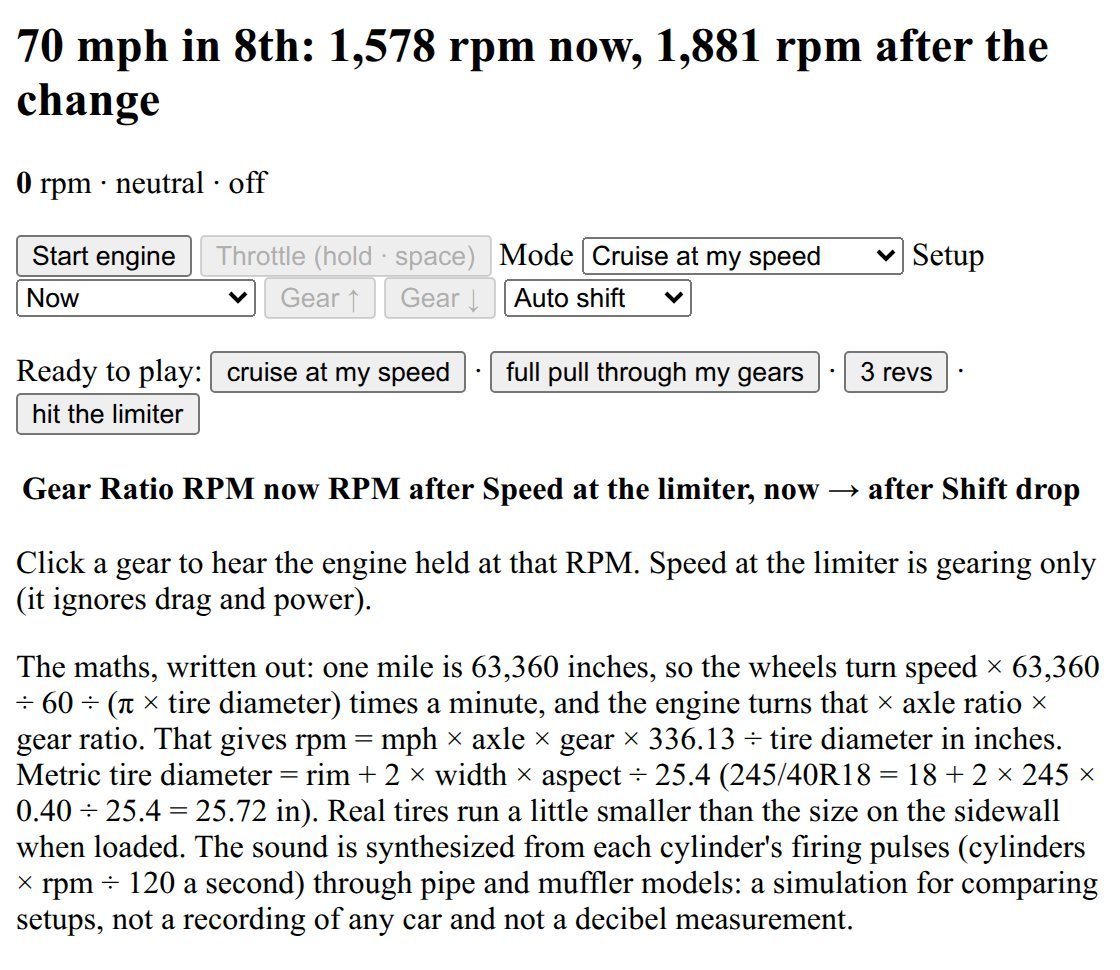 engine sound simulator | hear your cruise RPM: gear ratios, axle, tire size, regear A/B
 Inspección seguridad: construction and field checklists for crews, with photos and signatures on the phone
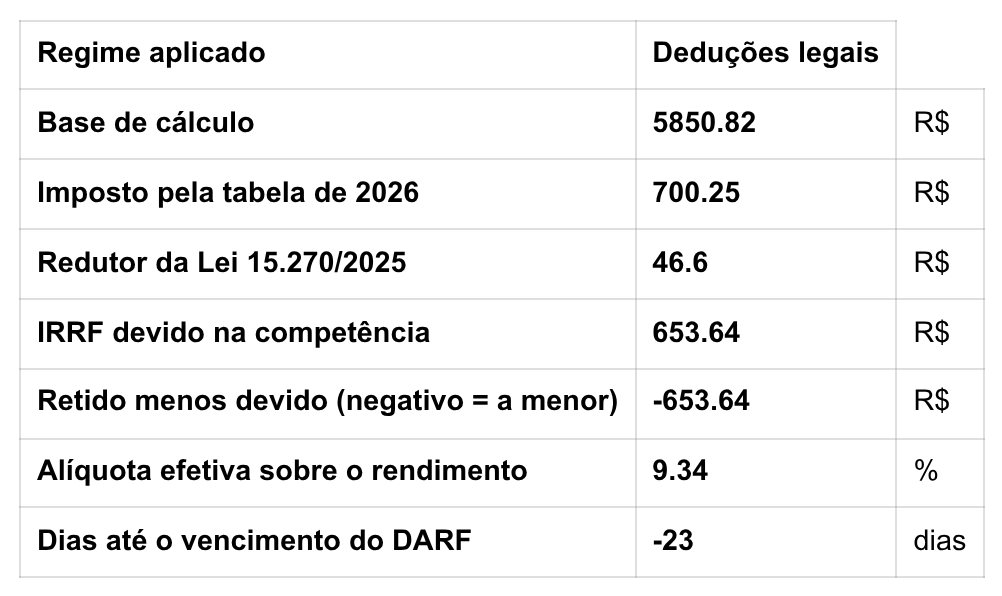 Calculadora CLT e MEI 2026
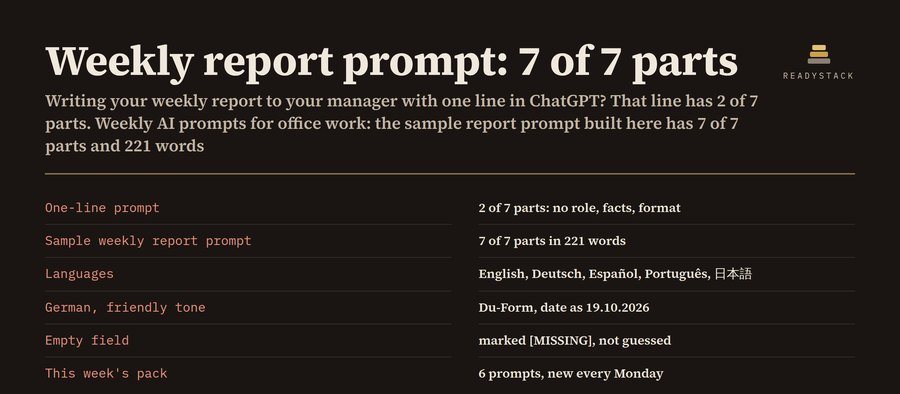 Weekly AI Prompts for Office Work in 5 Languages
 Faceless Shorts Maker
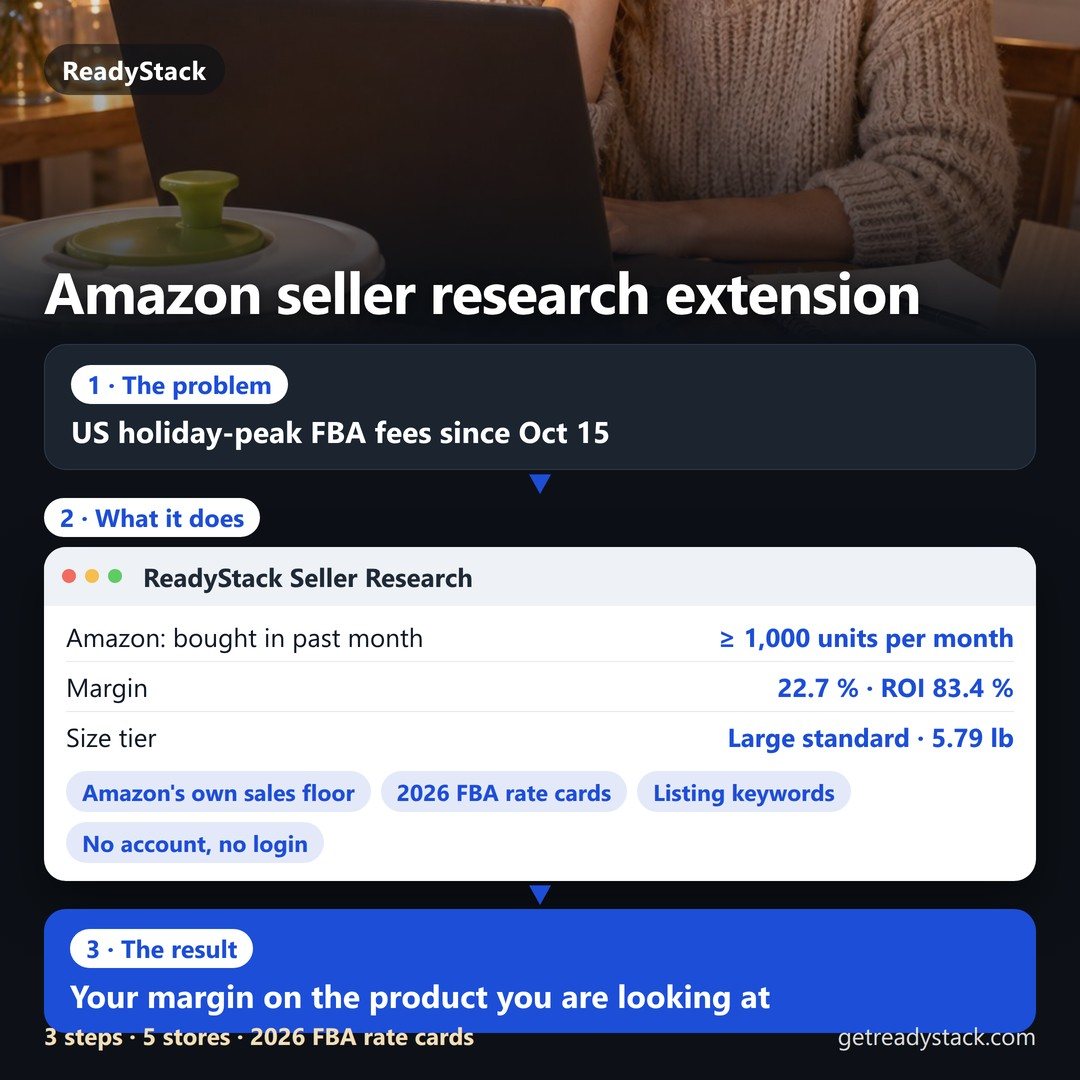 Amazon Seller Research Extension — sales floor from Amazon's own badge, 2026 FBA fees and margin