Need more? The full version adds what is listed under "What you get".
What you get: audit every config file in the whole workspace in a single run instead of the one file in front of you, and re-run the audit automatically on every save so a machine-specific path pasted back in is…
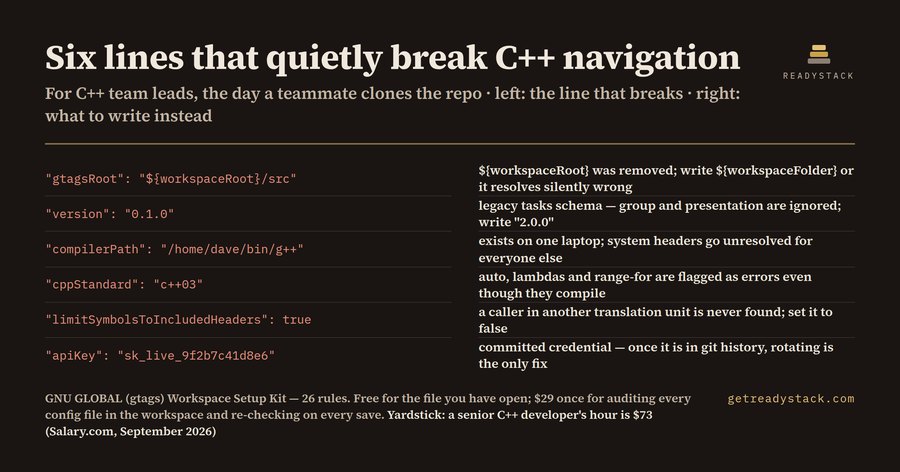
Paste any .vscode/settings.json, tasks.json, c_cpp_properties.json, .globalrc or gtags.conf. Findings appear as you type — nothing is uploaded, the check runs in this tab. These are the same 26 rules the extension runs inside VS Code.
Your config file
Findings
This checked one file. A repository has dozens.
The browser page and the extension both audit the one file in front of you, free and forever. A licence adds the two things you cannot do by hand: audit every config file in the workspace in one run, and re-run the audit on every save so a machine-specific path someone pastes back in is caught the same minute.
We watch the regulation and vendor sources behind GNU GLOBAL (gtags) Workspace Setup Kit every day. When a rule changes, you get a single email with what changed and the updated check. No newsletter.
You're on the list. One email when it changes.
Example result
Get the full version $29
Scope and repetition: audit every config file in the whole workspace in a single run instead of the one file in front of you, and re-run the audit automatically on every save so a machine-specific path pasted back in is caught the same minute.
One payment, one licence key for this tool. The key is shown right after payment.
A senior C++ developer's hour costs $73 in the United States (Salary.com, 1 September 2026); mid-to-senior software contractors bill $60-110/hour (KORE1, 2026). One hour spent hand-reading a repository's .vscode configs costs more
For businesses: your name and logo instead of ours, and each visitor’s result + e-mail in your inbox (only when they tick consent) — Pro from $19/month. See Pro →
More from ReadyStack
Ready-to-use files. One-time download, no subscription.
Paste a .vscode/settings.json, tasks.json, c_cpp_properties.json or .globalrc and see every misconfiguration with its line number.
Is it free?
Yes. The free version on this page works without an account. The full version ($149 once) adds: audit every config file in the whole workspace in a single run instead of the one file in front of you, and re-run the audit automatically on every save so a machine-specific path pasted back in is…
How do I use it?
1. Enter your details in the free version below. 2. See your result right away on this page. 3. Need more? The full version adds what is listed under "What you get".
Ask about this tool
One question, answered by the person who built it. Your email only if you want the answer sent.
For a team or company: for an invoice with your company details, a quote or several licences, write to [email protected].
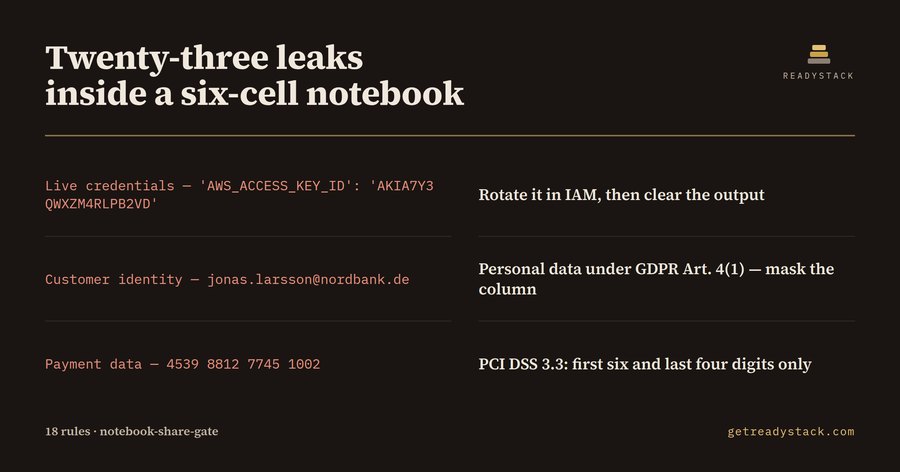 Ipynb credential check — check your notebook free
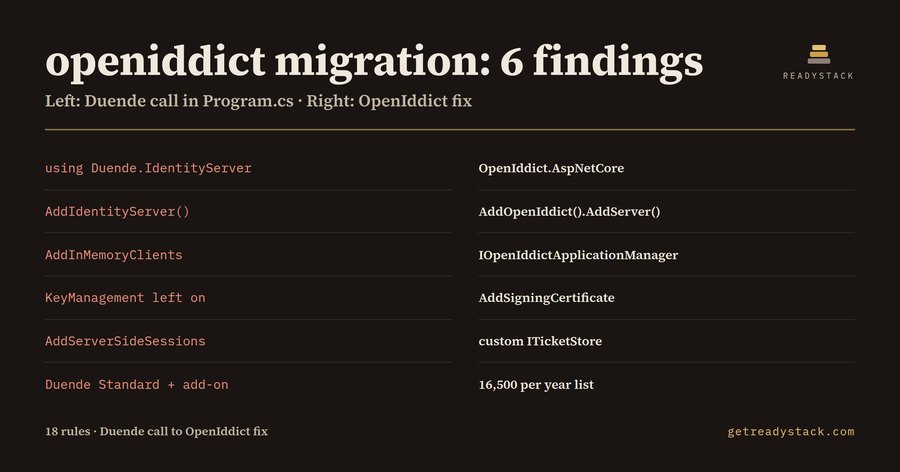 Duende Migration 2026 — check your code for free
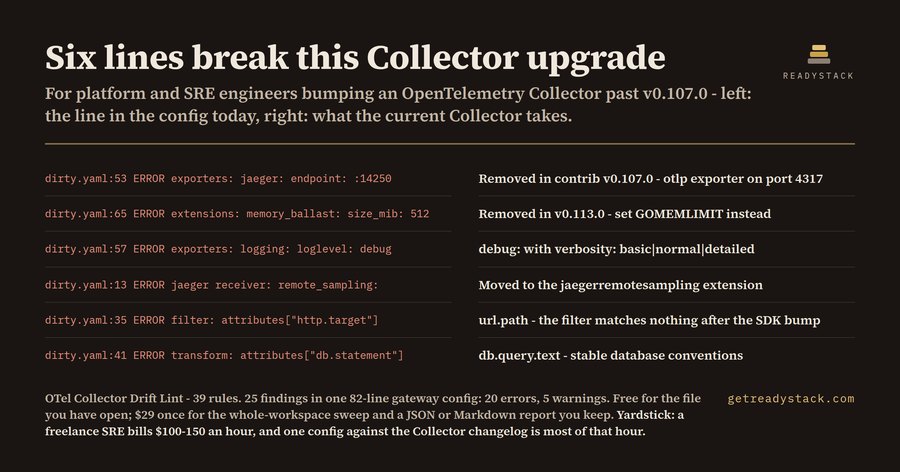 OpenTelemetry Collector upgrade — check your config before upgrading
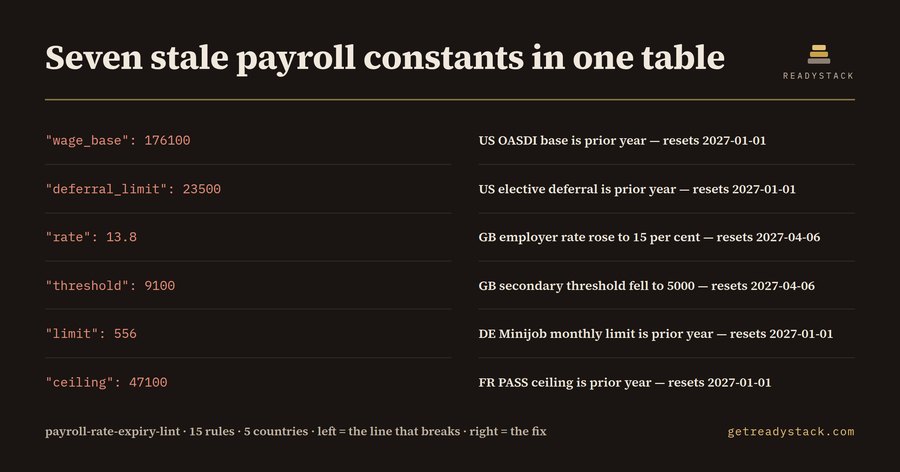 Payroll tax rates 2026 — check payroll rate dates in your files
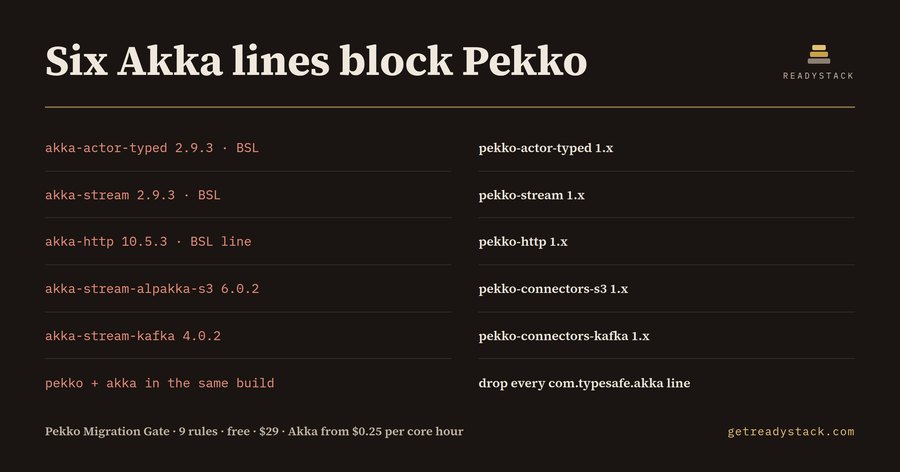 Pekko Akka Migration check — check dependencies before pekko migration
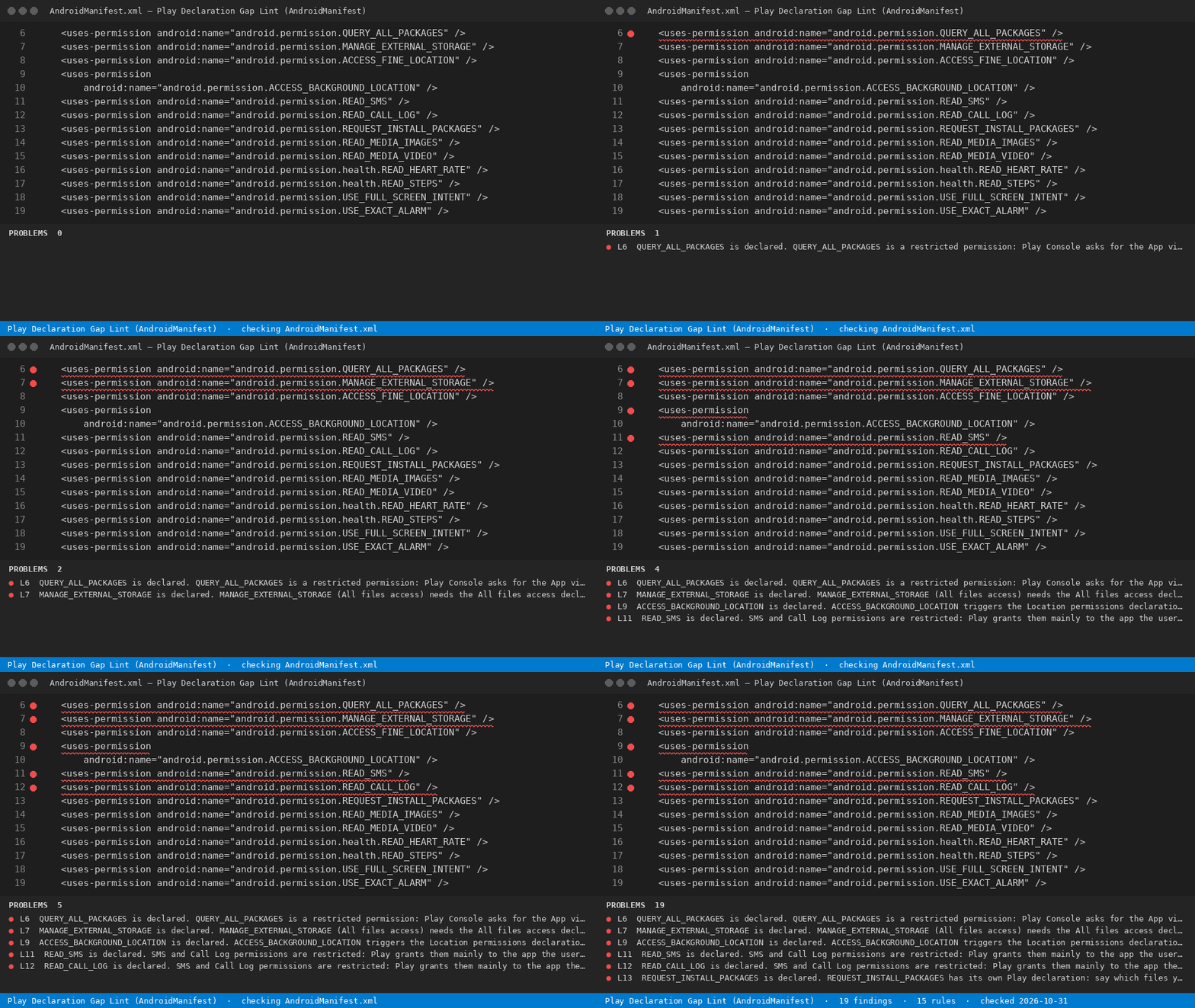 Android foreground service permission — check manifest declarations