Color-Blind Safe IntelliJ Plugin - 4 IDE Themes with Measured Syntax Contrast (Red-Green & Blue-Yellow)
How it works
Read below what is included.
Open the parts you need directly on this page.
A question? Use the question box at the bottom of the page.
Four IDE themes for developers with colour vision deficiency, and for teams that have one on the team.
Why this exists: most syntax themes separate keyword / string / number / function / type by HUE alone, and red-vs-green is the most common pair. For a protan or deutan eye those two collapse into the same yellow-brown, so errors, added lines and removed lines stop being different colours.
What was actually done, and what you can re-check:
- 4 themes x 15 palette keys = 60 hex values.
- 52 WCAG 2.1 contrast checks (11 foreground keys per theme against their background, plus main text on the alternate surface and on the selection colour). Lowest single result: 4.99:1. Main editor text: 14.06:1 / 17.76:1 / 16.85:1 / 14.35:1.
- 84 token-pair separations (keyword, string, number, function, type, main text, comment text - 21 pairs per theme) measured as CIE76 dE*ab AFTER running each colour through the Machado, Oliveira & Fernandes (2009) colour-vision-deficiency simulation for the deficiency that theme targets. Lowest single result: 16.1. Universal Dark AA holds a floor of 23.6.
- The hue families follow the Okabe-Ito Color Universal Design recommendation (blue, amber-yellow, bluish-green, violet - never red-vs-green as the only distinction). The exact values were re-solved per background so the contrast floor and the simulated separation hold together; they are not the published swatches copied over.
The four themes:
1. Universal Dark AA - Red-Green Safe. The everyday dark theme. Free on JetBrains Marketplace, complete, nothing held back.
2. Universal Dark AAA - Red-Green Safe High Contrast. Same hue logic, every token at 7:1 or better, for glare, bad monitors and low vision.
3. Universal Light AA - Red-Green Safe. Daylight, screen sharing and projectors.
4. Universal Dark AA - Blue-Yellow Safe. For tritan vision, where blue-vs-green and yellow-vs-violet are the pairs that collapse instead.
VCS colours follow the same rule: 'added' is bluish-green and 'removed' is sand or rose depending on the theme, so the diff gutter stays readable when red and green do not separate.
Not affiliated with, or endorsed by, JetBrains s.r.o. 'IntelliJ' is named here only to say which IDE these themes install into.
Universal Dark AA - Red-Green Safe
defgreet(name):
# say hello
return f"hi {name}"
Universal Dark AAA - Red-Green Safe High Contrast
defgreet(name):
# say hello
return f"hi {name}"
Universal Light AA - Red-Green Safe
defgreet(name):
# say hello
return f"hi {name}"
Universal Dark AA - Blue-Yellow Safe
defgreet(name):
# say hello
return f"hi {name}"
Get the complete version
This page is the working piece. The full pack has everything below.
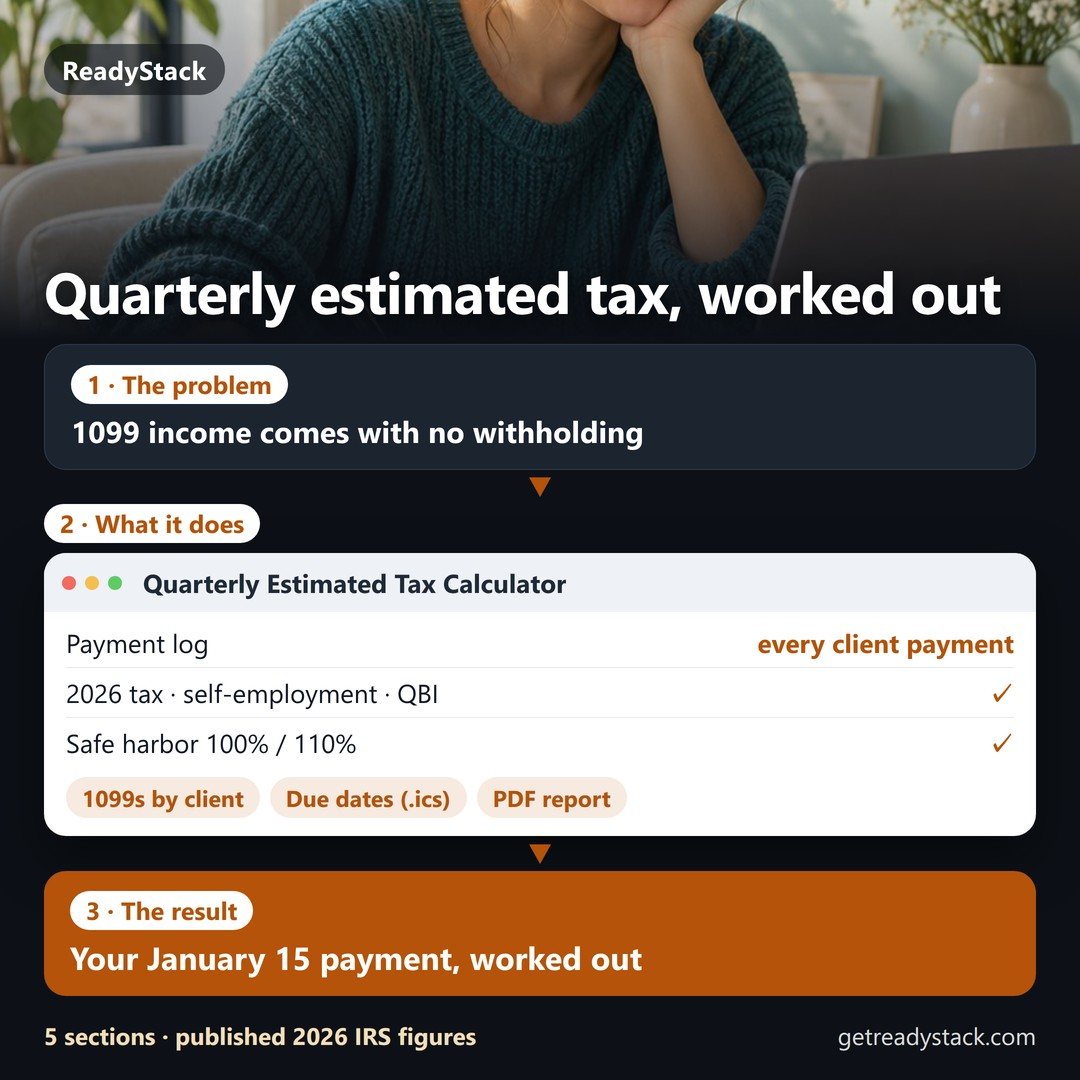 Quarterly estimated tax for 1099 freelancers — worked out from every payment you log
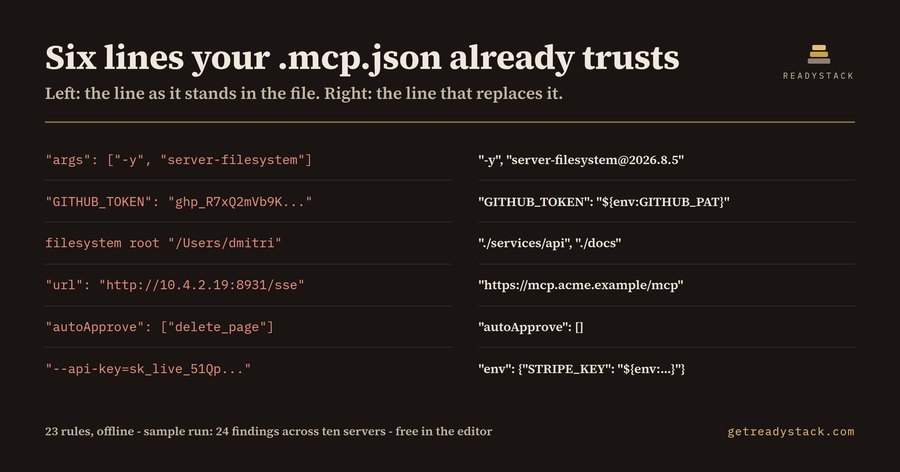 MCP Config security check — check your config in browserThis free tool checks MCP configuration files for unpinned servers, literal secrets, and plaintext transport.FreeFull version $29
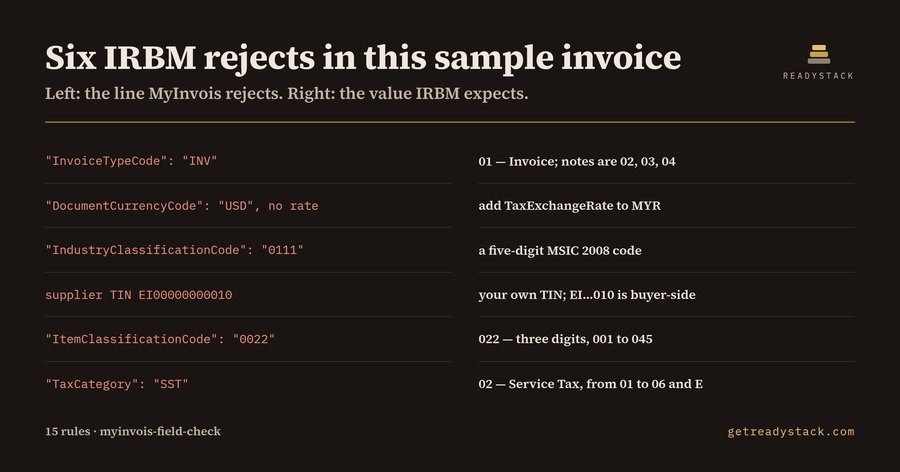 Malaysia einvoice JSON Check — check your malaysia e-invoice dataThis browser tool checks MyInvois e-Invoice JSON against UBL 2.1 field rules for TIN, MSIC, classification, tax type, and invoice type…FreeFull version $29
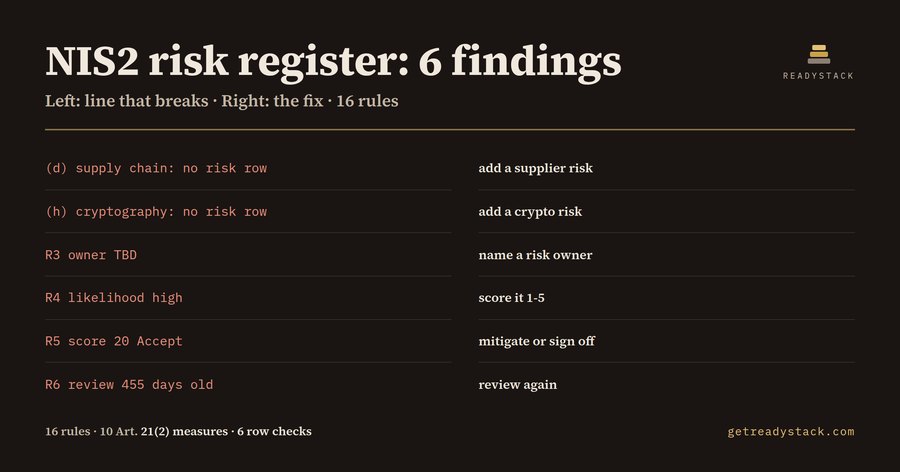 NIS2 Risk Register template — check risk register against nis2Checks Markdown risk registers for NIS2 Article 21(2) measures, risk owners, 1–5 scores, treatment and reviews within 12 months.FreeFull version $29
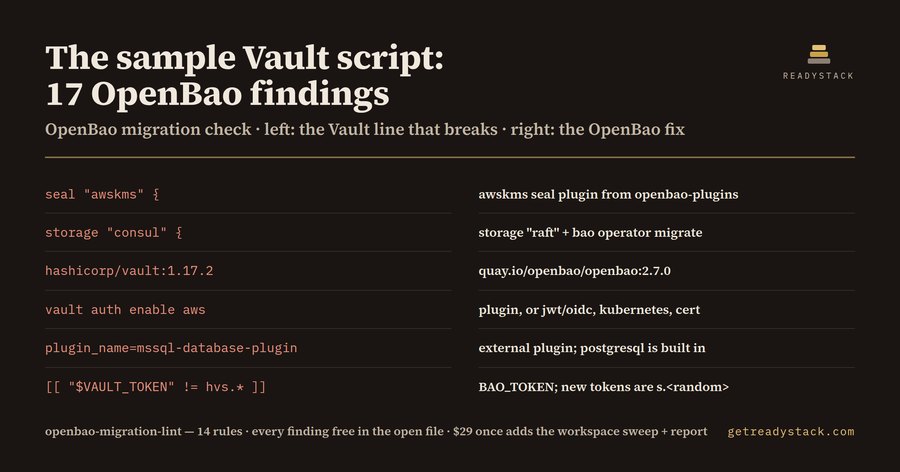 OpenBao Vault Migration check — check vault files for openbaoThis browser tool checks HashiCorp Vault files for images, Helm charts, storage backends, seals, and plugins that OpenBao 2.7 does not…FreeFull version $29
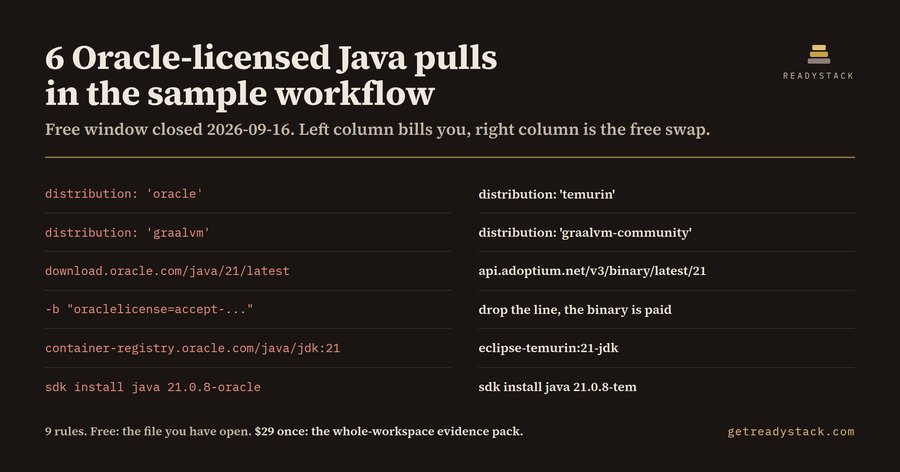 Oracle JDK 21 goes OTN on 20 Oct 2026 — free licence checkFrom the 20 October 2026 Critical Patch Update, new Oracle JDK 21 updates are OTN-licensed, not free for production. Team and commercial…FreeFull version $29
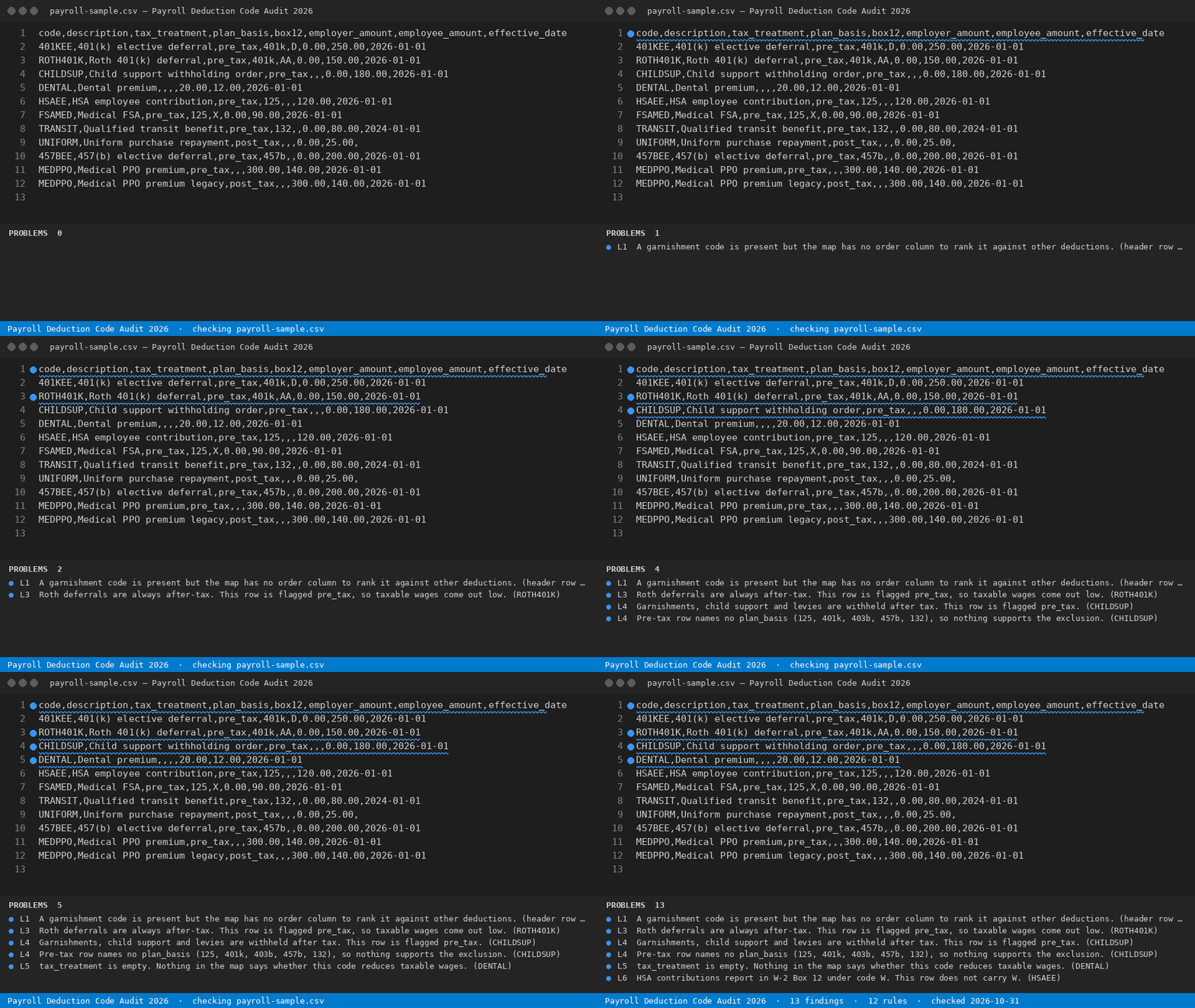 W-2 Box 12 codes — audit your codes in browserThis free tool audits a payroll deduction code map for pre-tax flags, Box 12 letters, duplicate codes, and stale plan years, and names each…FreeFull version $29