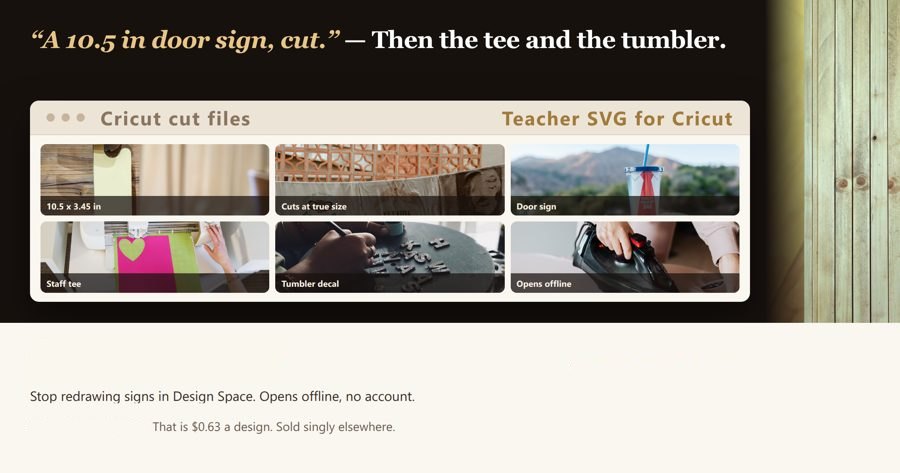
24 ready-to-cut classroom and school-staff designs for wood door signs, staff tees and totes, 20 oz tumbler decals and teacher gift tags.
24 designs
01-welcome-to-our-classroom.svg
02-hello-new-school-year.svg
03-teach-love-inspire.svg
04-best-teacher-ever.svg
05-coffee-then-teach.svg
06-teacher-fuel.svg
07-hallway-voices-please.svg
08-reading-corner.svg
09-mistakes-are-proof.svg
10-you-are-enough.svg
11-take-what-you-need.svg
12-line-up-here.svg
13-quiet-testing-in-progress.svg
14-our-class-is-a-family.svg
15-ask-three-then-me.svg
16-teacher-off-duty.svg
17-paraprofessional-crew.svg
18-school-librarian-on-duty.svg
19-special-education-teacher.svg
20-school-counselor.svg
21-school-bus-driver-crew.svg
22-thank-you-teacher.svg
23-100-days-brighter.svg
24-field-trip-squad.svg
Try one
This one is the real cut-ready file, same as in the pack:
How to use
In Cricut Design Space start a New Project, click Upload in the left panel, then Upload Image → Browse and choose the .svg file.
An SVG loads as a cut image, so there is no Print then Cut step — select the uploaded file and click Add to Canvas.
Every design already carries its real size in inches. Check the W box in the top toolbar and type your blank's width there before you cut; the height follows on its own while the lock is closed.
Select the whole design and click Attach at the bottom of the Layers panel so the words keep their spacing on the mat.
Adhesive vinyl and cardstock: Fine Point blade, material set to Premium Vinyl or Cardstock. Iron-on (HTV): Fine Point blade, turn Mirror ON for that mat on the Make It screen and load the sheet shiny side down.
Weed the small centres out of letters like a, e, o first, then lift with transfer tape working from one edge across, not from the middle.
Silhouette Studio: File → Open, choose the .svg, then Send. Business Edition is not required to open these files.
Get the complete version $14.99
This page is the working piece. The full pack has everything below.
24 phrases, 20 of them two-line, each already sized in inches (3.0 in tumbler decals up to 11.0 in door signs) — upload, set the width to your blank, cut tonight.
This listing holds 24 separate cut files; at the listed price that is $0.63 per design (15 ÷ 24 counted from the items below), against the same shelf where cut files are normally bought one design at a time.
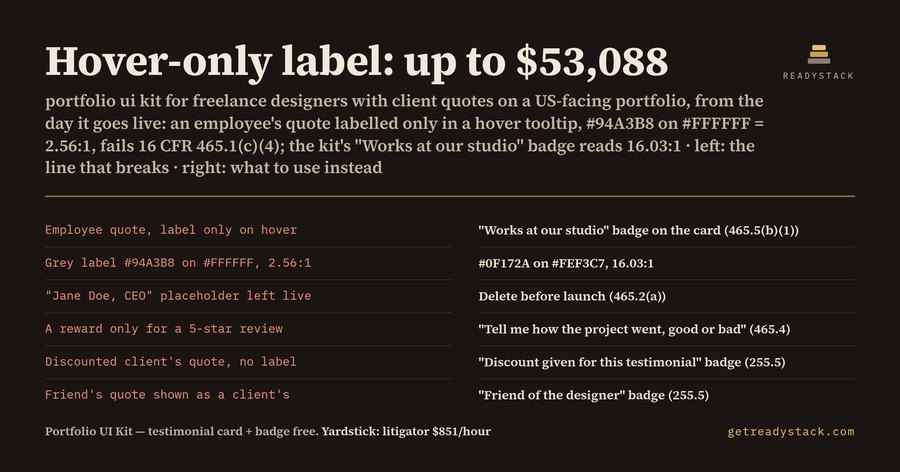 Portfolio UI Kit — testimonials that name the relationship (FTC 16 CFR 465)
 SaaS UI Kit — AI disclosure check for your AI feature
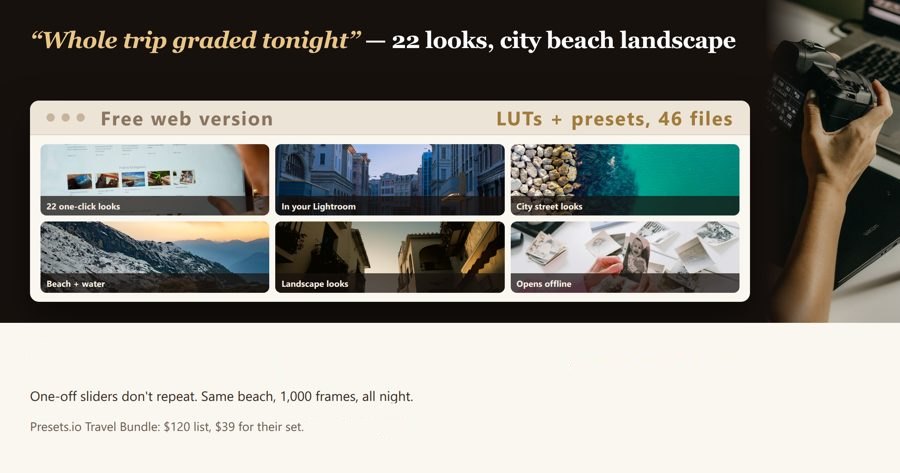 Travel Photographer LUTs and Lightroom Presets for City, Beach, and Landscape Shoots