PDF Toolkit — fill, sign, compress and merge PDFs without uploading them

Free PDF filler and signer in your browser.

PDF Toolkit — fill, sign, compress and merge PDFs without uploading them
Example of the result this page gives you

Try it freeFull version · $6.99 / month →

How it works
  1. Enter your details in the free version below.
  2. See your result right away on this page.
  3. Need more? The full version adds what is listed under "What you get".

Published 2026-10-23 · ReadyStack

Try it freeFull version →

Free, no account: view, fill forms, sign, organize pages — plus 2 Premium jobs a day.

$6.99 / month $49 / year Premium: $6.99 / month or $49 / year — merge, compress, convert, OCR in 5 languages, batch and recipes, unlimited.

Scroll down: try it on the sample PDF below, or drop your own file — it stays here.

PDF Toolkit — fill, sign, compress and merge PDFs without uploading them PDF Toolkit Files stay on this device

Drop PDFs or images here

Nothing is uploaded: every tool runs inside your browser.

100%

Click a form field to type. Pick a tool above, then click on the page to place it. Drag to move, corner to resize.

Your signature

PDF Toolkit Premium

$6.99 / month $49 / year

Always free: view, fill forms, sign, organize pages. Without a key, 2 Premium jobs a day stay free.

Also as a browser extension for Firefox and Microsoft Edge (same tools, opens PDFs from any site).

Questions

Is my PDF uploaded?
No. The PDF engine, the compressor and the OCR recogniser are loaded into this page and run on your computer. The only thing this page ever sends is a licence key you type in, to check it.
What is free?
Viewing, filling forms, adding text, signing (draw, type or photo — saved on your device), dates and check marks, rotating, deleting, reordering and extracting pages — no account, no watermark, no limit. Merge, compress, convert, OCR get 2 free jobs a day.
Why a monthly plan?
Most people need these tools for the same paperwork every month — receipts, statements, timesheets, scans for upload portals with size limits. Recipes repeat that job in one click. If you stop, your recipes, history and signatures stay on your device; the Premium tools go back to 2 jobs a day.
Which languages does OCR read?
English, German, Spanish, Portuguese and Japanese, also mixed in one document. Latin-script words go into a searchable PDF layer; Japanese text is delivered as text (.txt / copy).
Does it keep Japanese, Greek or other scripts when filling a form?
Yes. Text the standard PDF fonts cannot write is placed as a sharp image in exactly that spot, so it shows in every PDF viewer instead of disappearing.
Email me this result
A copy of what you see above, in your inbox — the tool stays free, nothing here is locked.

More everyday tools

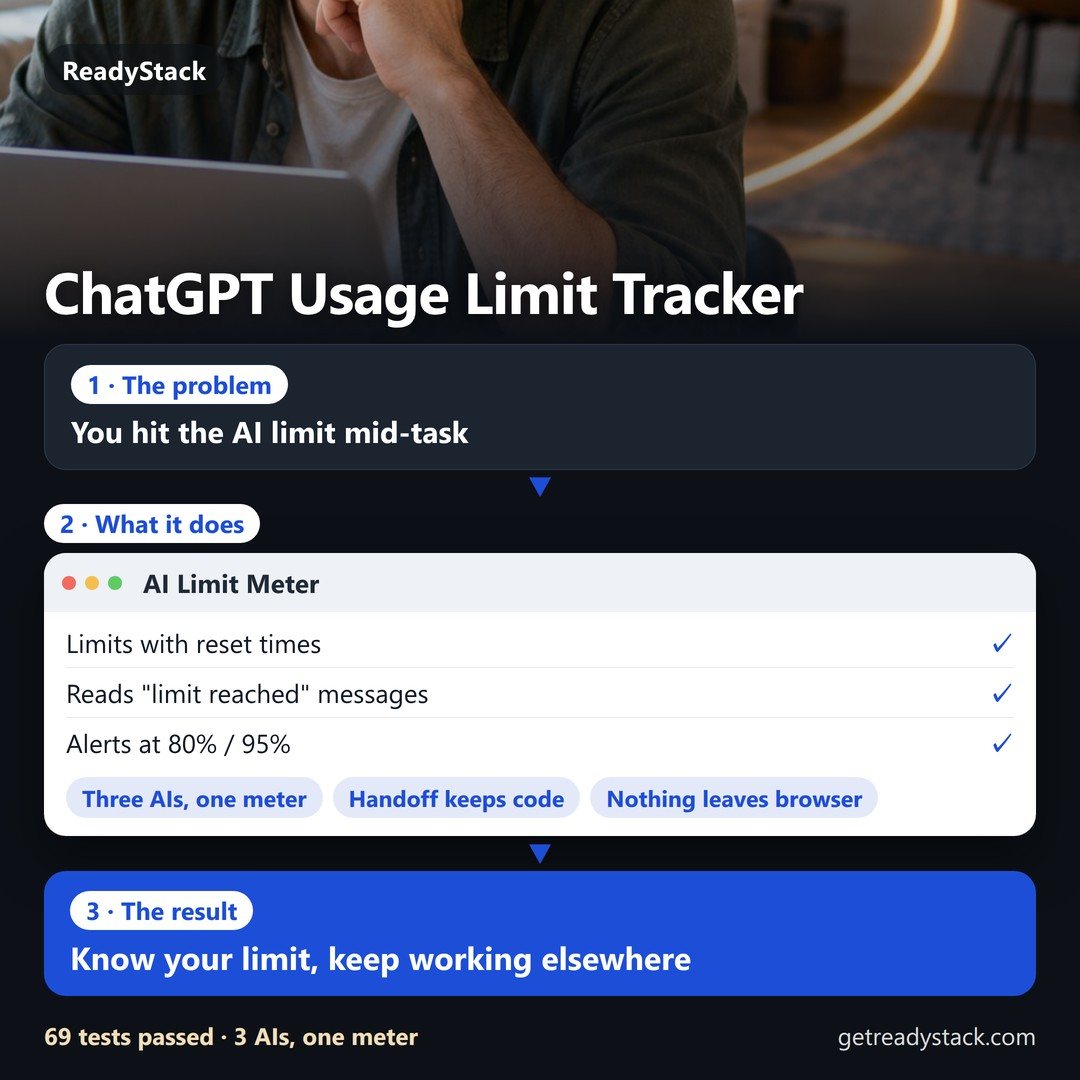
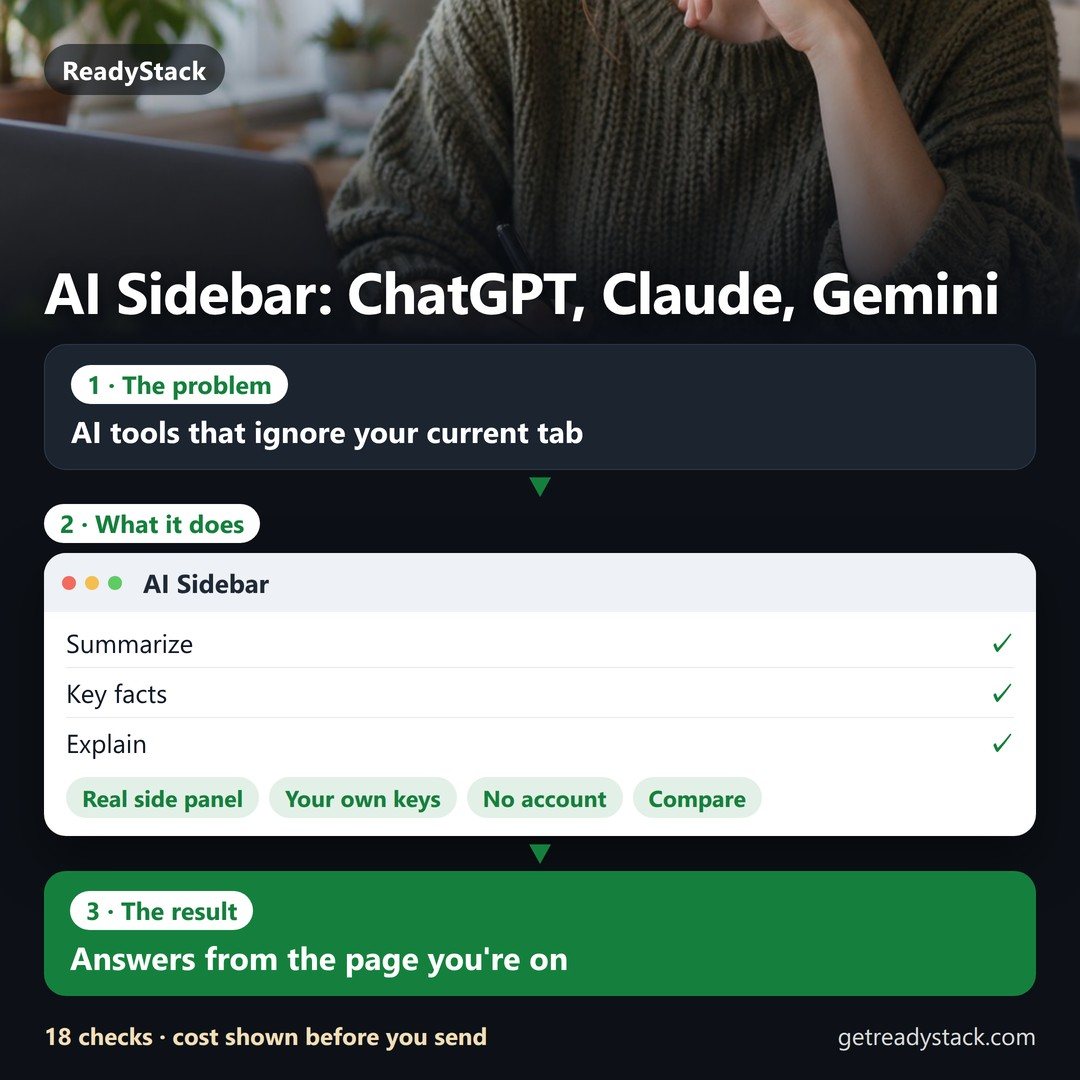
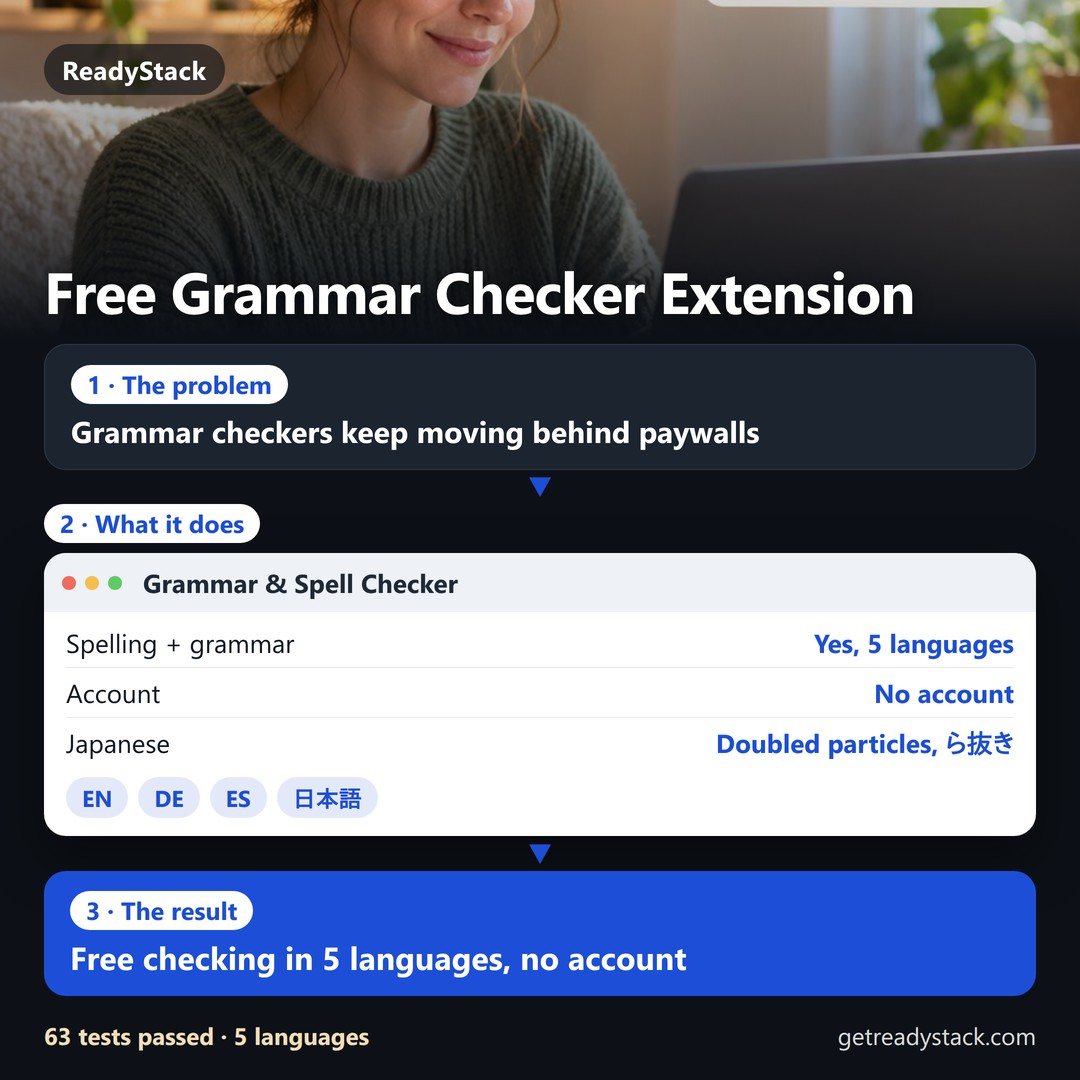
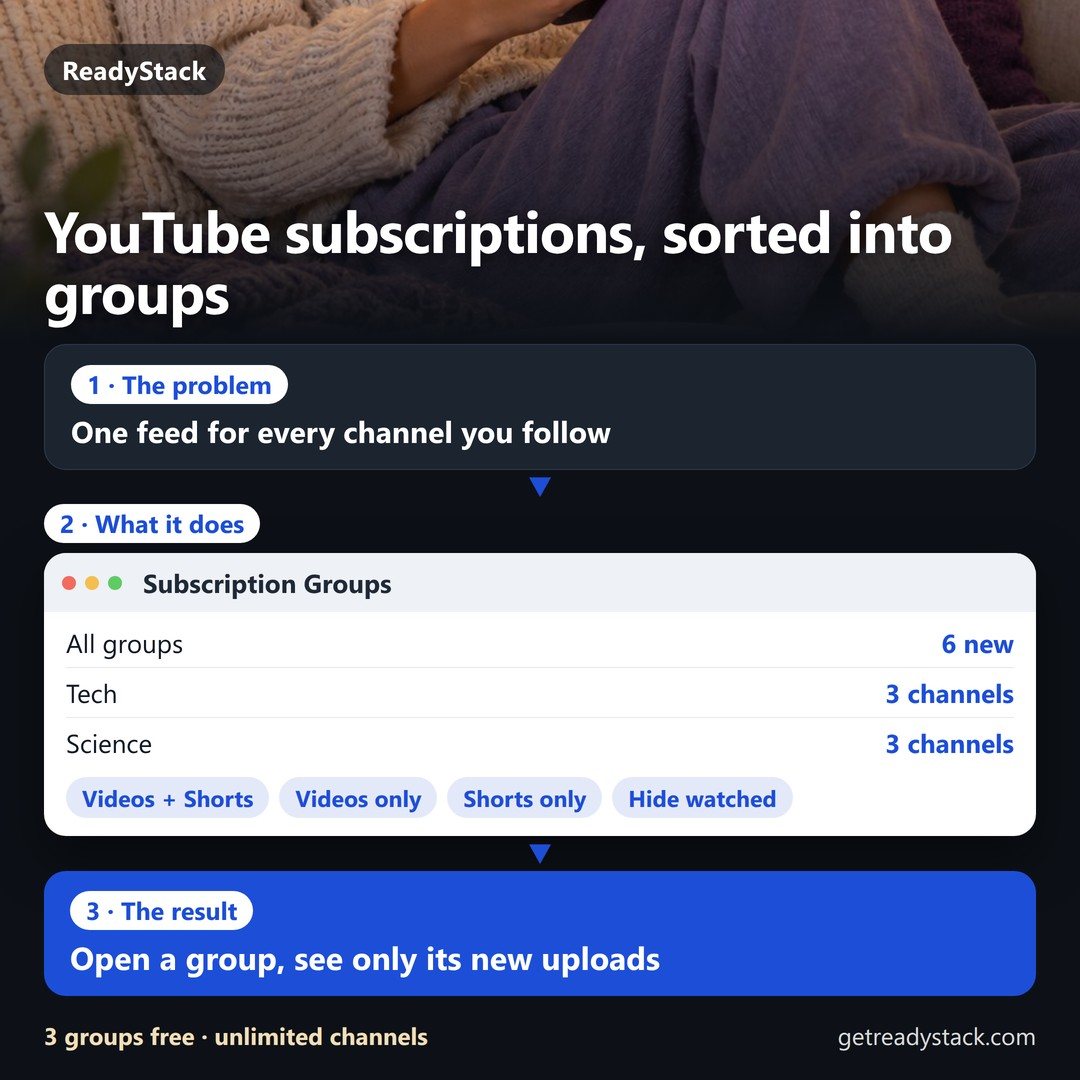
PDF Toolkit — fill, sign, compress and merge PDFs without uploading themAI Limit Meter + Chat Handoff for ChatGPT, Claude and GeminiKnow your limit, keep working elsewhereFree versionPDF Toolkit — fill, sign, compress and merge PDFs without uploading themAI SidebarAnswers from the page you're onFree versionPDF Toolkit — fill, sign, compress and merge PDFs without uploading themGrammar & Spell CheckerFree checking in 5 languages, no accountFree versionPDF Toolkit — fill, sign, compress and merge PDFs without uploading themSubscription Groups for YouTubeOpen a group, see only its new uploadsFree version
People like you also use
Everything for Everyday AI and browser tools → · ReadyStack Pass — every tool in one subscription · All tools →

Questions and answers

What does this page do?

Free PDF filler and signer in your browser.

Is it free?

Yes. The free version on this page works without an account. The full version costs $6.99 / month.

How do I use it?

1. Enter your details in the free version below. 2. See your result right away on this page. 3. Need more? The full version adds what is listed under "What you get".

Ask about this tool

One question, answered by the person who built it. Your email only if you want the answer sent.

Privacy: your e-mail is used only to send you the answer. A question appears on this page only after it is answered, without your e-mail.

For a team or company: for an invoice with your company details, a quote or several licences, write to [email protected].

New this week

More in Other tools & files See all →