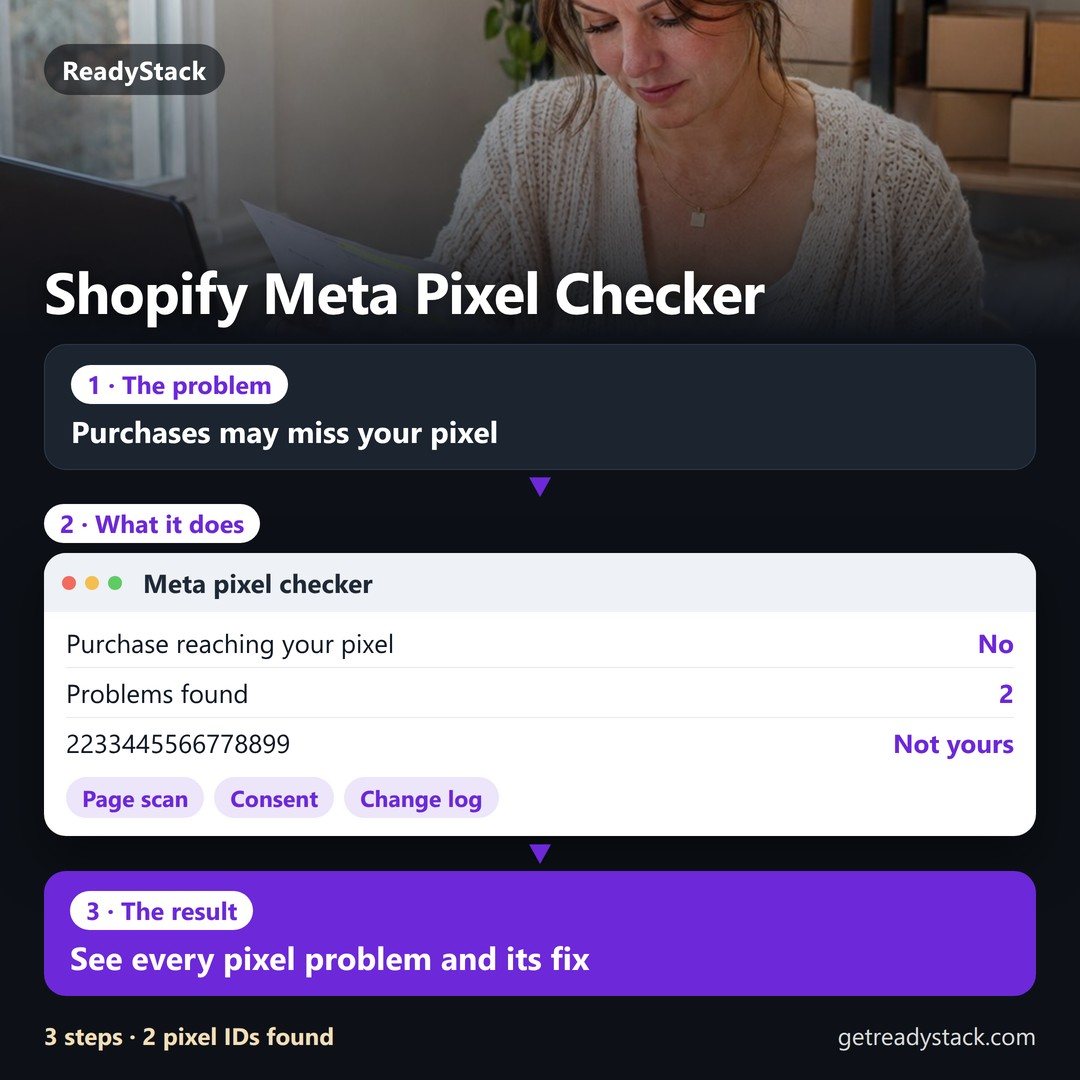
Example (made-up): Sunpeak Candles pasted its home-page source on 2026-11-09. The Facebook & Instagram app sends checkout events to pixel 2233445566778899, not the store's own 1122334455667788, so $1,260.00 of ad spend was lost to campaigns with no Purchase on their pixel (7 days × $180.00 since the last good check on 2026-11-02). The app still showed as connected. This checker reads what your storefront really loads, pixel by pixel, instead of a "connected" badge.
Sunpeak Candles (example), scan 2026-11-09
| Meta pixel ID · where it loads | Yours | Loads | On checkout | Verdict |
|---|---|---|---|---|
| 2233445566778899Facebook & Instagram app (web pixel) · app ID 2329312 | No | 1 | Yes | Not yours, gets checkout events |
| 1122334455667788theme code (fbq) · 1 base code, no consent check | Yes | 1 | No | Fires before consent |
Problems and the fix for each
- Pixel 2233445566778899 is not in your list, and it is the one in Facebook & Instagram app (web pixel) · app ID 2329312, which runs on checkout. Your Purchase events go to it.Fix: In Meta Events Manager, check which pixel the Facebook & Instagram app is connected to (app > Settings > Data sharing). Reconnect it to 1122334455667788, or add 2233445566778899 to your list if it is yours.
- Pixel 1122334455667788 in theme code loads before the visitor's cookie choice. Shopify's banner governs Shopify pixels, not code pasted in the theme.Fix: Remove the theme code and let the Facebook & Instagram app (a Shopify app pixel) send the events, or wrap the code in Shopify's Customer Privacy API check.
Summary for your team or agency
Sunpeak Candles (example), scan 2026-11-09: 2 Meta pixel IDs found, 2 problems (1 high). Purchase from checkout does not reach your pixel; ad spend since the last good check on 2026-11-02: 7 days × $180.00 = $1,260.00. Pixel 2233445566778899 is not in your list, and it is the one in Facebook & Instagram app (web pixel) · app ID 2329312, which runs on checkout. Your Purchase events go to it. Pixel 1122334455667788 in theme code loads before the visitor's cookie choice. Shopify's banner governs Shopify pixels, not code pasted in the theme.
Pro, 19.49 USD per month: a scan log for each store that shows what changed since the last scan (a pixel that vanished after a theme or app update, a new ID, a fixed problem) and the date it happened · several stores · printable audit report (PDF) · CSV export of every scan · a weekly or daily check reminder (.ics) · backup and restore.
Pro: 19.49 USD per month"Shows as connected but doesn't really connect" is a 1-star line about Meta's own Shopify app (2026-07-28). A connected badge does not tell you which pixel ID your store loads. This scan does: it lists every Meta pixel ID in the Facebook & Instagram app pixel, other apps' pixels, theme code and custom pixels, marks the one that runs on checkout, and tells you whether it is yours. In the example the app is connected and the store's Purchase still goes to pixel 2233445566778899.
Shopify Meta pixel checker for store owners and agencies · 9 inputs · 11 checks · 5 results per pixel ID · page source , custom pixel code , CSV , PDF , .ics , JSON
Where each input comes from (3 steps)
- Page source: open your live store (not the theme editor), press Ctrl+U (Windows) or Cmd+Option+U (Mac), then Ctrl+A, Ctrl+C and paste. Shopify writes every app pixel and custom pixel into that source as
webPixelsConfigList; the Facebook & Instagram app is the entry with app ID 2329312. - Your pixel ID: Meta Events Manager > Data sources: the 15 or 16 digits under your pixel's name. Add every ID you own, separated by commas.
- Custom pixels: Shopify admin > Settings > Customer events. Their code does not appear in the page source, so paste it in the second box when the scan says custom pixels were found.
Why "on checkout" matters: theme code (theme.liquid, snippets) does not load on Shopify's checkout or Thank you page, and additional scripts on the Thank you and Order status pages stopped running when those pages were upgraded (deadline for non-Plus stores: 2026-08-26). Only app pixels and custom pixels can send Purchase from the browser now.
Pro: scan every week, see what changed and when
What changed since the last saved scan
Your stores, the one with the most high problems first
| Store | Last scan | Scans | Problems | High | Purchase to your pixel |
|---|
Already have Pro? Paste your licence key (it arrives by email and opens this page with it).
Questions
What exactly does it check?
From 9 inputs it lists every Meta pixel ID in the source and gives 5 results for each: where it loads, whether it is yours, how many times it loads, whether it runs on checkout and a verdict. 11 checks cover a missing pixel, a pixel that is not yours on checkout, a double install, theme code before consent, no checkout pixel, a hard-coded Purchase and more.
Why can Meta's app say "connected" while Purchase goes elsewhere?
The badge says the app is linked to a Meta account. The pixel ID the app writes into your store can still be a different pixel, for example after a reconnect picked another one. The page source shows the ID that really loads, so compare it with the ID in Events Manager.
Is a double install really counted twice?
Each install sends its own events. Meta deduplicates events only when they reach the same pixel with the same event ID and event name within 48 hours, and two separate installs do not share an event ID. Keep one browser install per pixel.
What is free and what is Pro?
Free: one store, one scan, every pixel ID, every problem and its fix on screen, and the summary to copy. Pro, 19.49 USD per month: a saved scan log that shows what changed since the last scan and when, several stores, the audit report as PDF, CSV export, the .ics check reminder and backup.
Do I have to connect my store or Meta account?
No. There is nothing to install and no permission to grant: you paste the source of a public page. The scan runs in your browser and the text does not leave it.
A checking tool for your own store's code. The store, pixel IDs and amounts in the example are made up. Meta, Facebook, Instagram and Shopify are trademarks of their owners; this page is not affiliated with them.

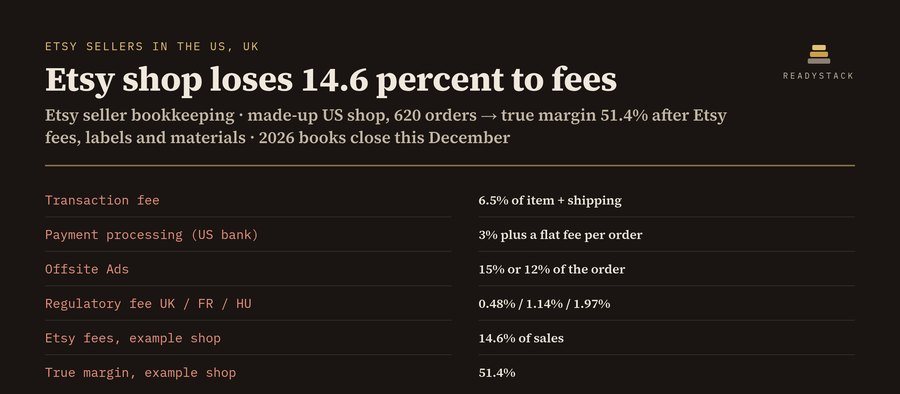 Etsy bookkeeping spreadsheet 2027: every Etsy fee, true profit and your Schedule C lines
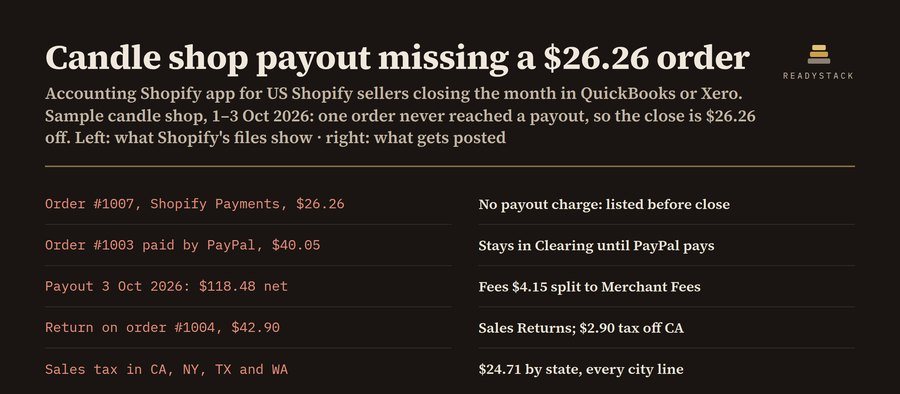
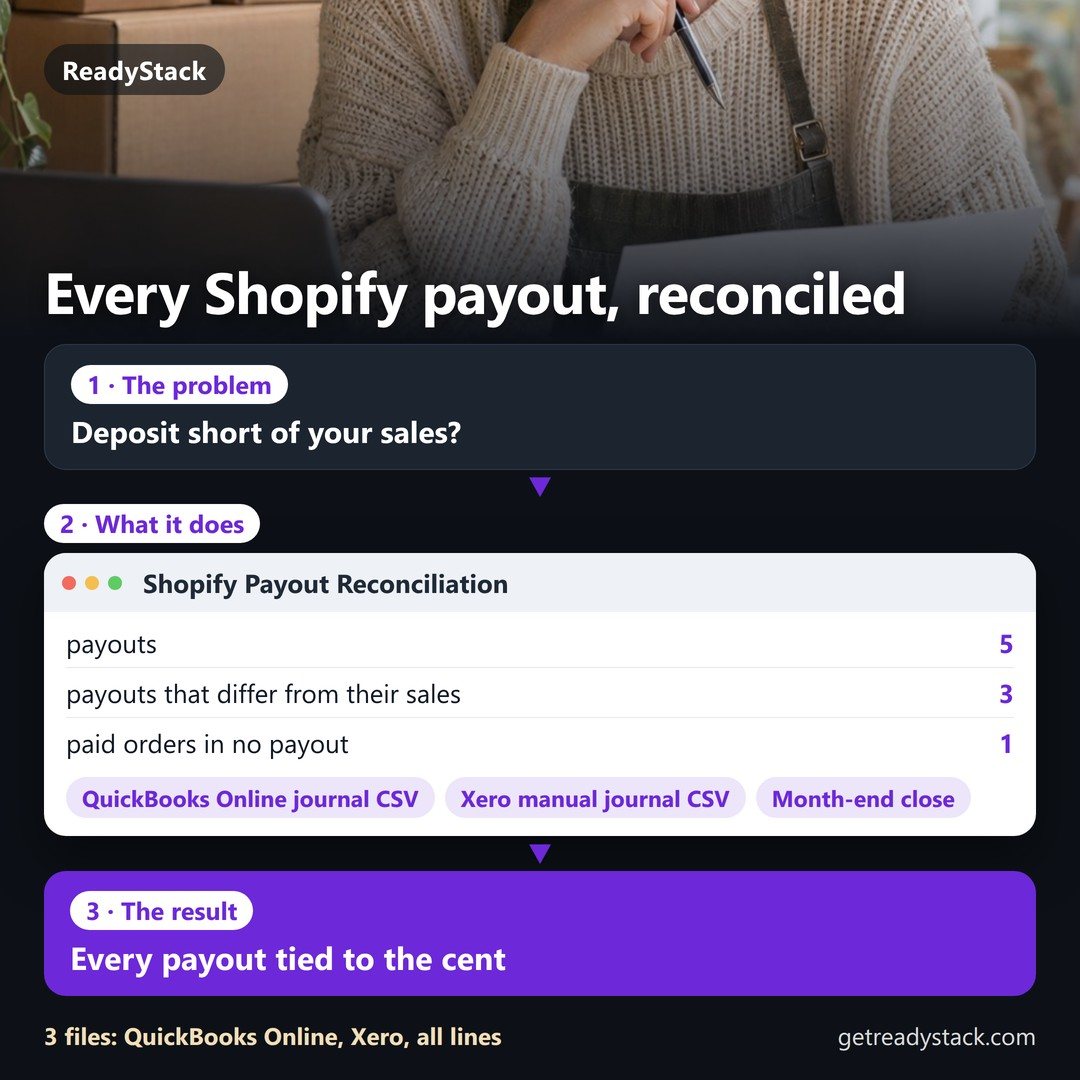 Shopify Payout Reconciliation: every payout tied to the cent, missing orders found, journal entries for QuickBooks and Xero
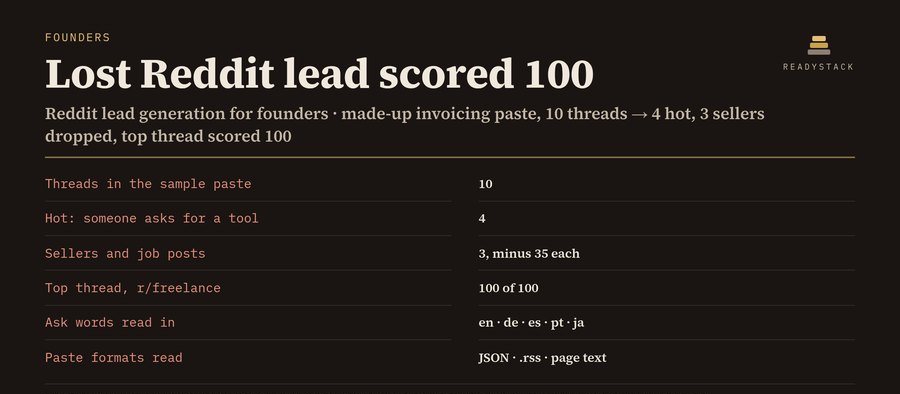 lead generation on Reddit: thread scorer + lead tracker
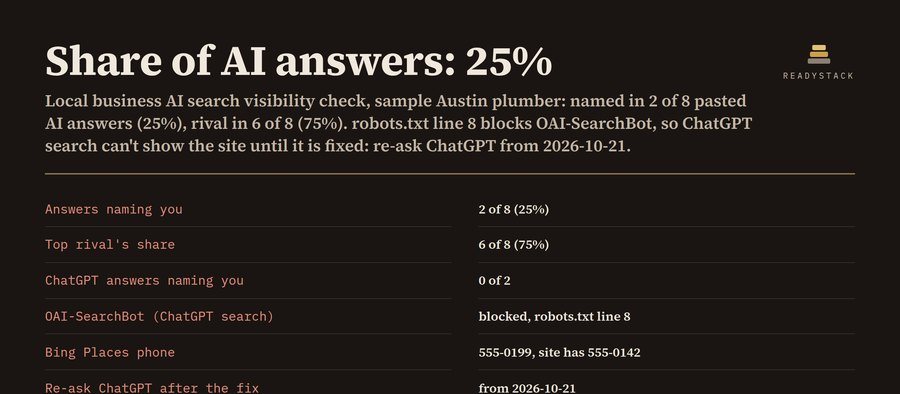 Local business AI search visibility check + monthly tracker
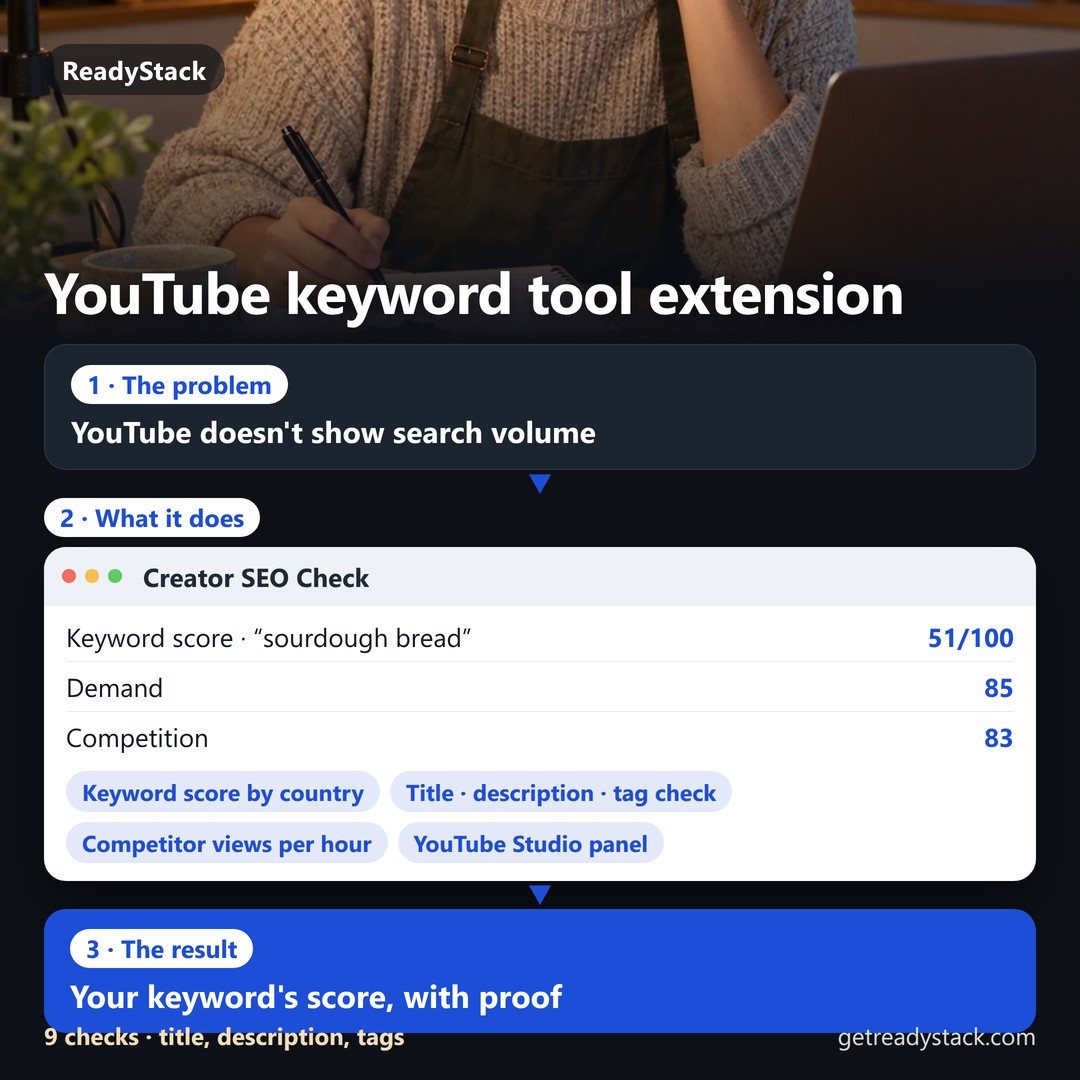 Is this keyword worth your next upload?
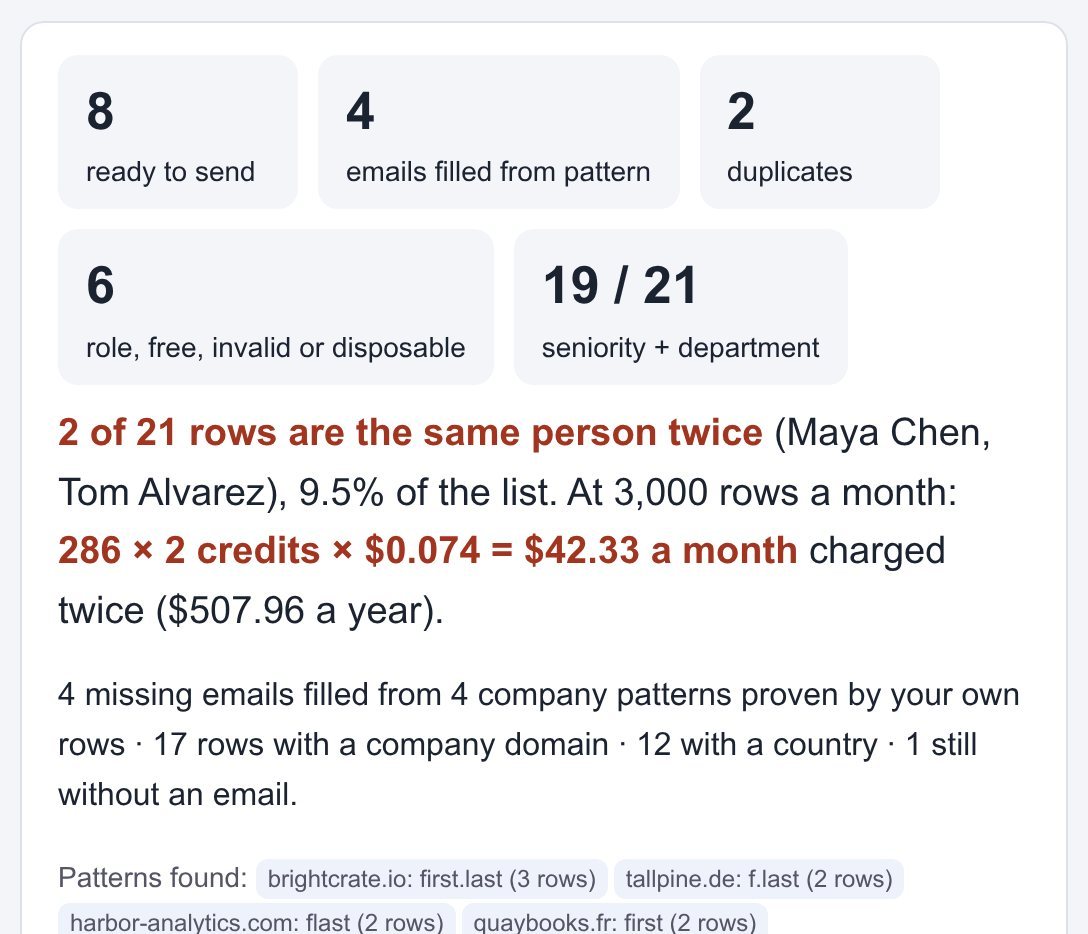 lead enrichment tools: clean and fill your lead CSV before you pay for a single credit
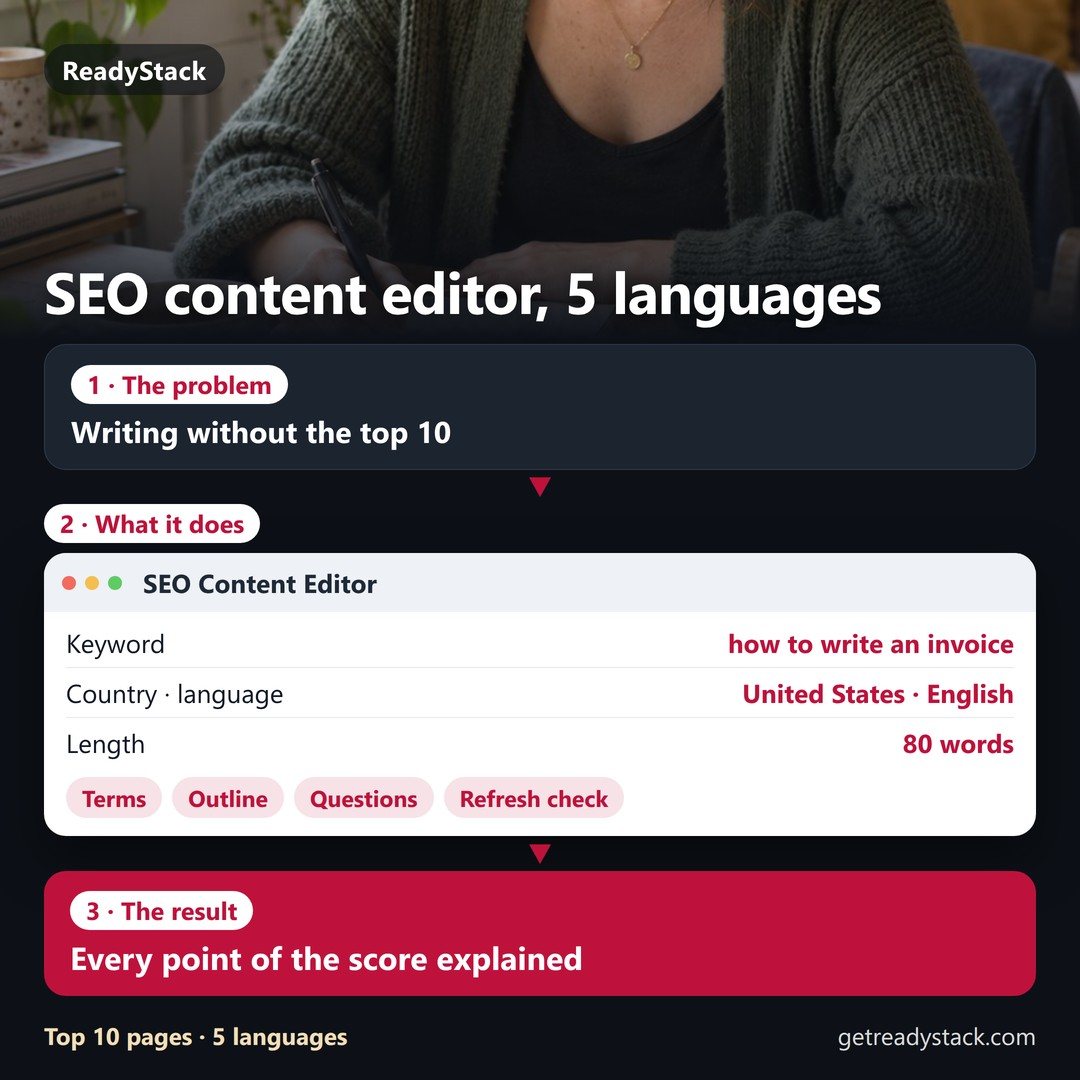 SEO content editor: write what the Google top 10 of your country covers — in 5 languages
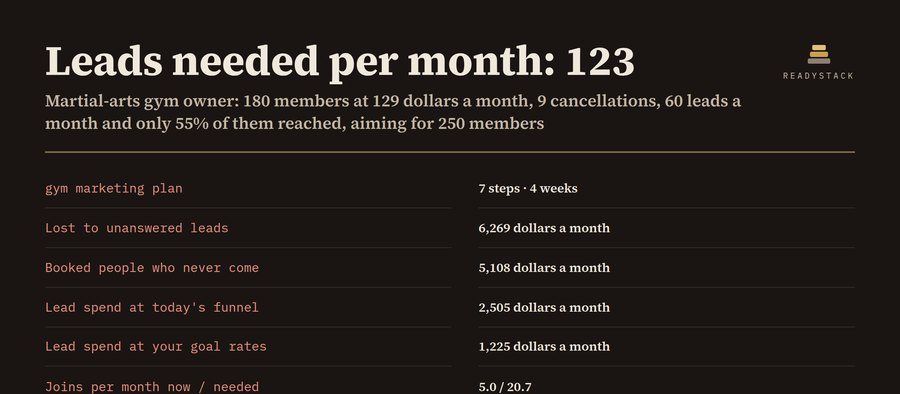 Gym Marketing Plan and Lead Follow-Up Tracker
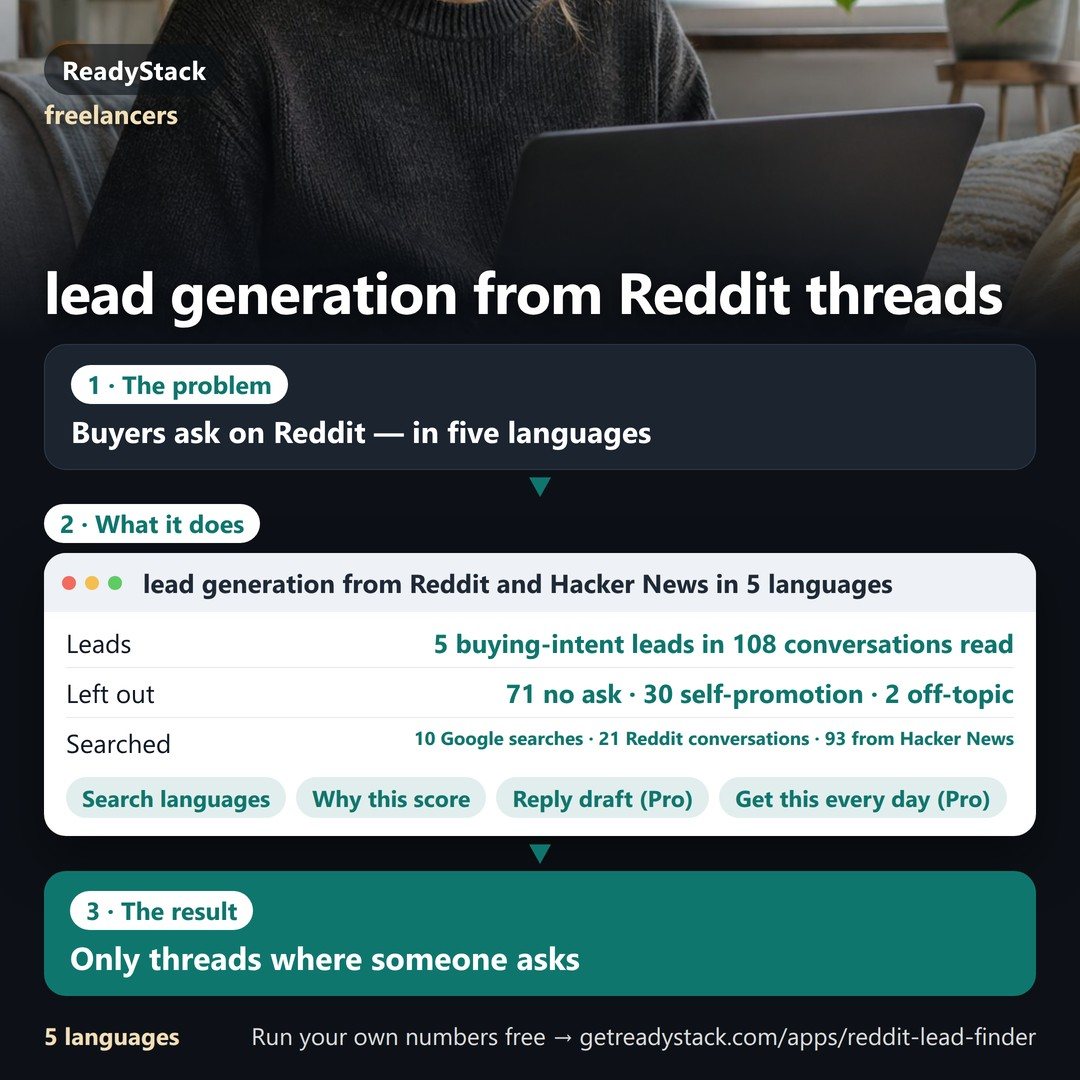 lead generation from Reddit and Hacker News in 5 languages: people asking for what you sell, found every day